
This guide will show you in detail how to completely uninstall the Agile plugin from Redmine 7 that runs on Ubuntu Linux 26.04.
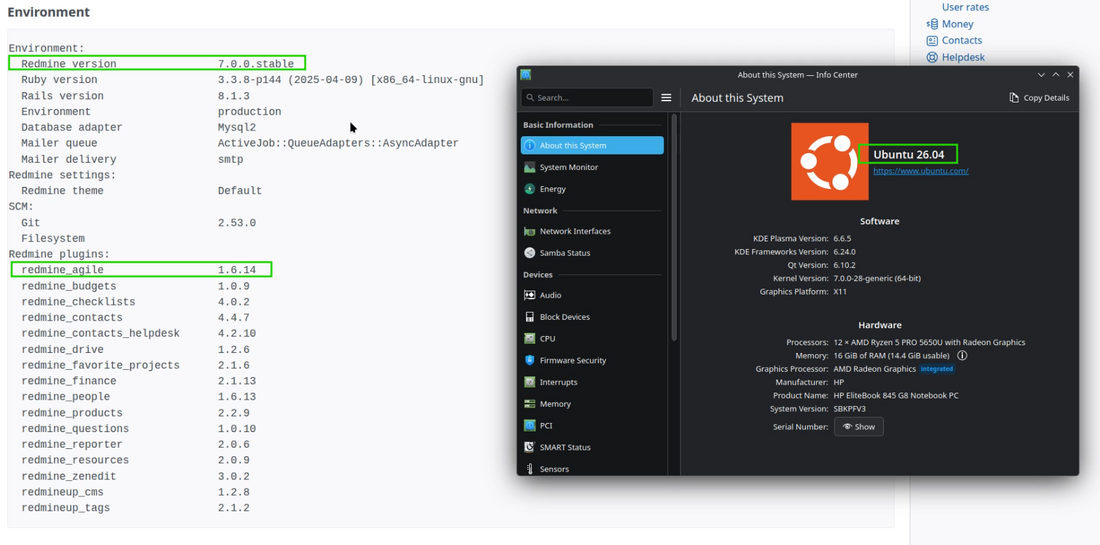
Redmine directory
Firstly, you need to open your Ubuntu terminal and navigate to your redmine directory.

Note: Please keep in mind that in the current example Redmine is installed in the /var/www/html/redmine directory but it is up to you where it is installed, so the path to your Redmine in your case could be different.
Downgrade database
Now, please execute the following command in order to remove the database tables or in other words to downgrade the database.
sudo bundle exec rake redmine:plugins NAME=redmine_agile VERSION=0 RAILS_ENV=production

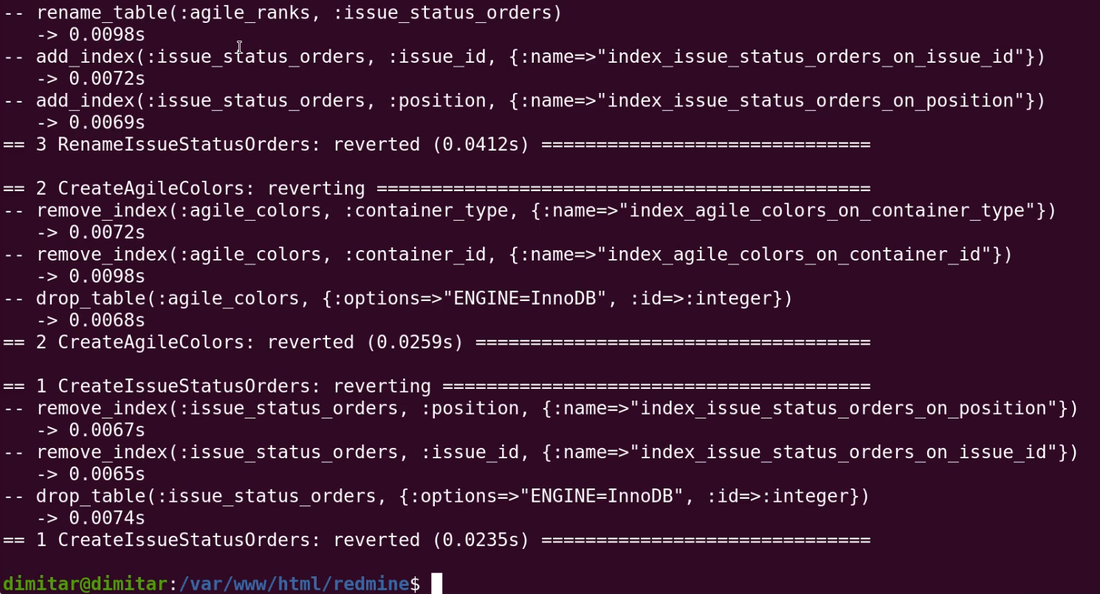
The result should be appearing of these logs in your terminal:
Change directory
Please change the directory to the /plugins folder:
cd /plugins
And then list the files with the ls command:
ls
You need to remove the redmine_agile folder.

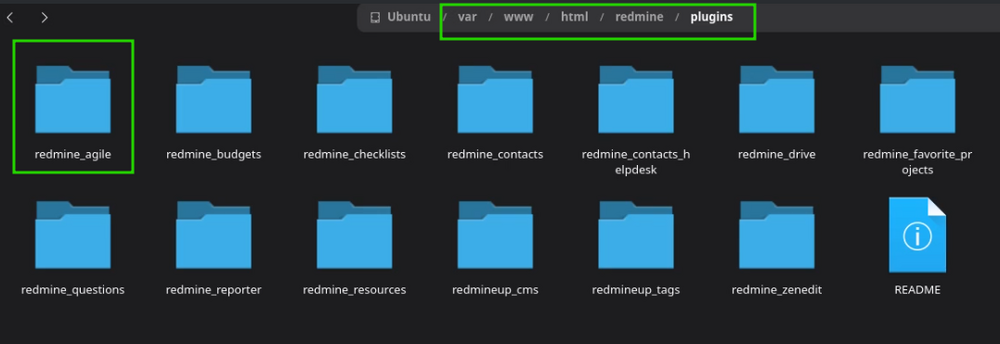
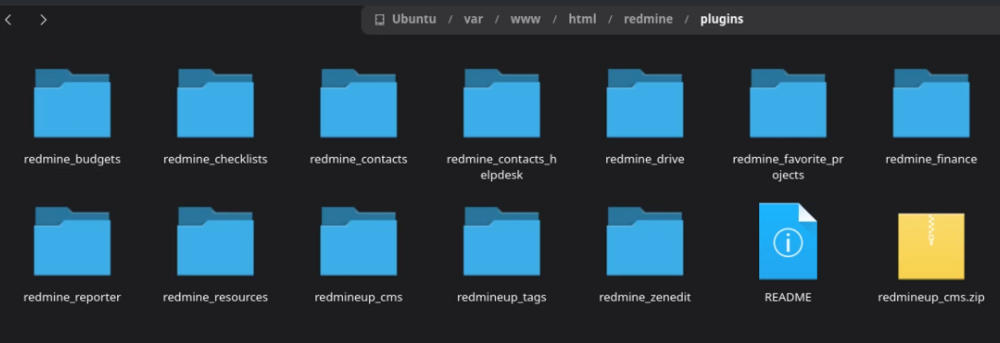
In the file system it looks like this (before the removing).
Remove plugin folder
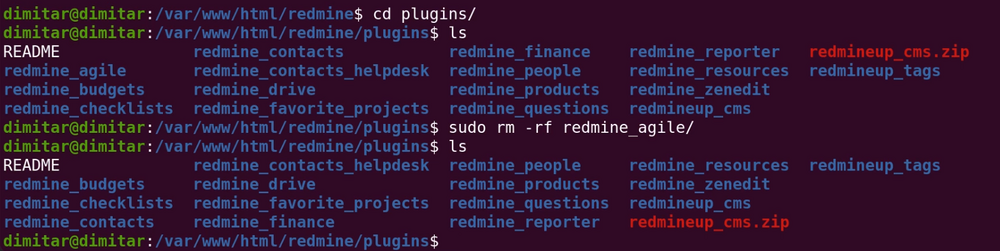
Now, please remove the plugin folder via this command:
sudo rm -rf redmine_agile/

As a result the folder will no longer exist.
And in the files system accordingly.
Restart
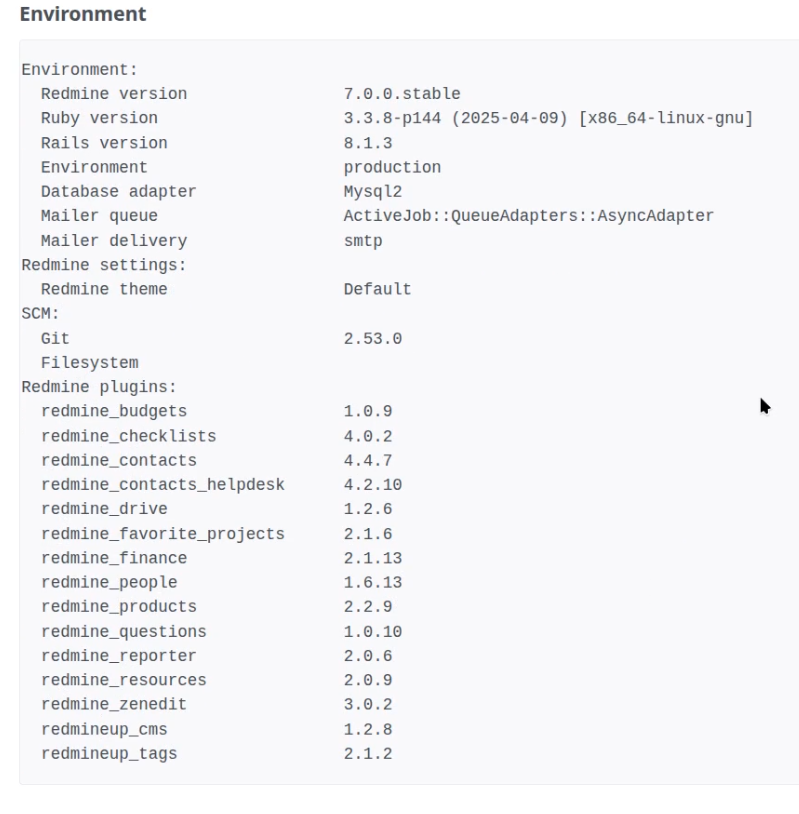
The final step is to just restart your Redmine. That's it. And now you will no longer see the Agile in the plugins' list of the Redmine system information.
Video demonstration
To make the situation even more clear, please see the below video of uninstallation of the Agile from Redmine 7.