Screenshots are imoprtant part of our user documentaion, marketing materials and website content. We have to use common rules for unifying look and feel and providing clear and good-looking materials
Common requirements
- Screenshot has not be stretched from original ratio
- Screenshot is not contains browser tabs, favorites and other apps
- Screenshot is not contains browser window shadows. Use Grab app on Mac instead of default shotcuts
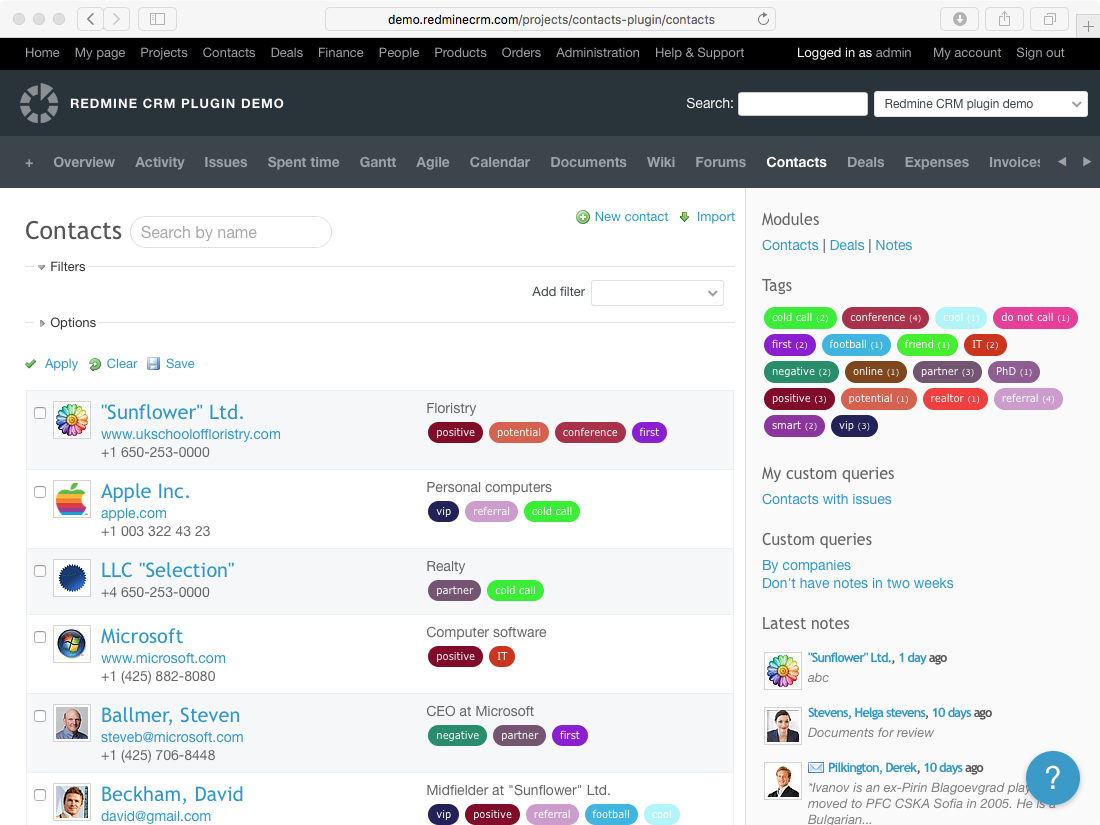 |
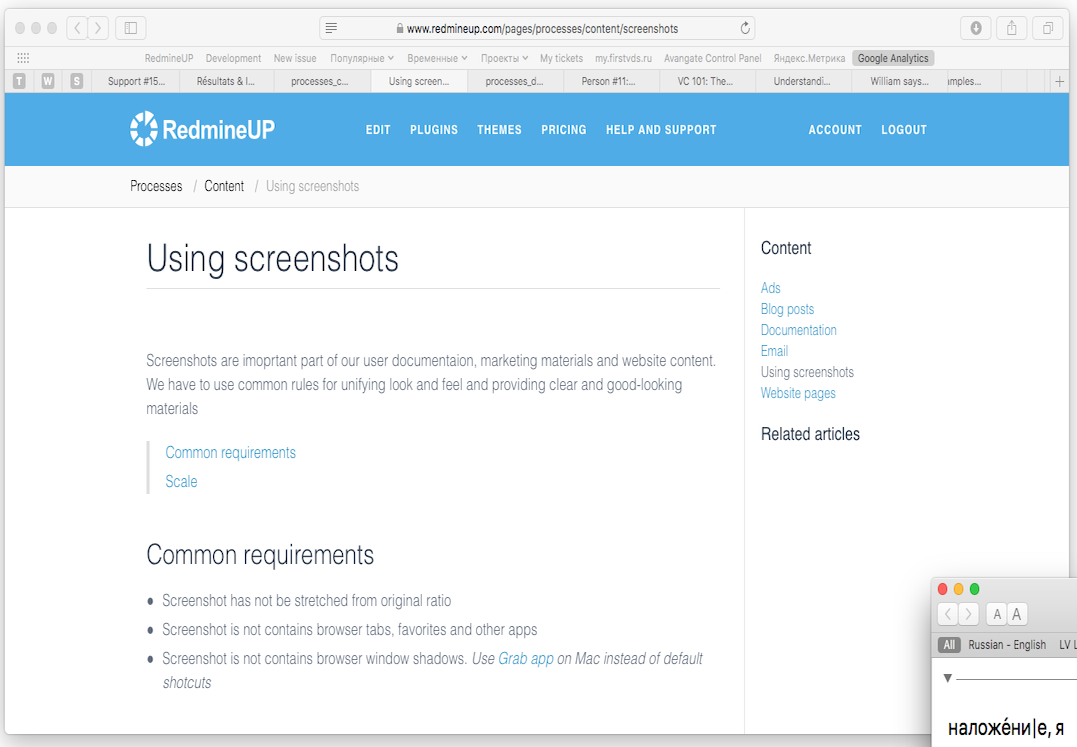 |
| DO | DON'T |
| 4x3 aspect ration, garbage elements and shadows. | Stretched size, shadows, tabs and favorites. |
Scale
- Screenshot is created at 2x for retina displays (if alloweb by used hardware)
- Screenshot of browser window is created for 4:3 (normal) or 16:9 (wide) aspect ratios
- Browser window screenshot sizes are the following:
- Small - 1100x825
- Large - 1440x1080
Creating screenshots on Mac
Shortcuts
- cmd+shift+3 - whole screen
- cmd+shift+4 - selected area
- cmd+shift+4 then space - selected window
From Terminal with specific window size
$ osascript -e 'tell application "Safari" to set the bounds of the front window to {0, 0, 1100, 825}'
$ screencapture -ol$(osascript -e 'tell app "Safari" to id of window 1') ~/Desktop/screenshot1.png
Capturing screenshots in Google Chrome
Recommedned to use Awesome screenshots plugin for Chrome. It has some useful features like "Delayed capture" and post processing annotation.