New features in Redmine Invoices plugin
See what's new in the latest versions of our Invoices plugin
New Features
Report fields
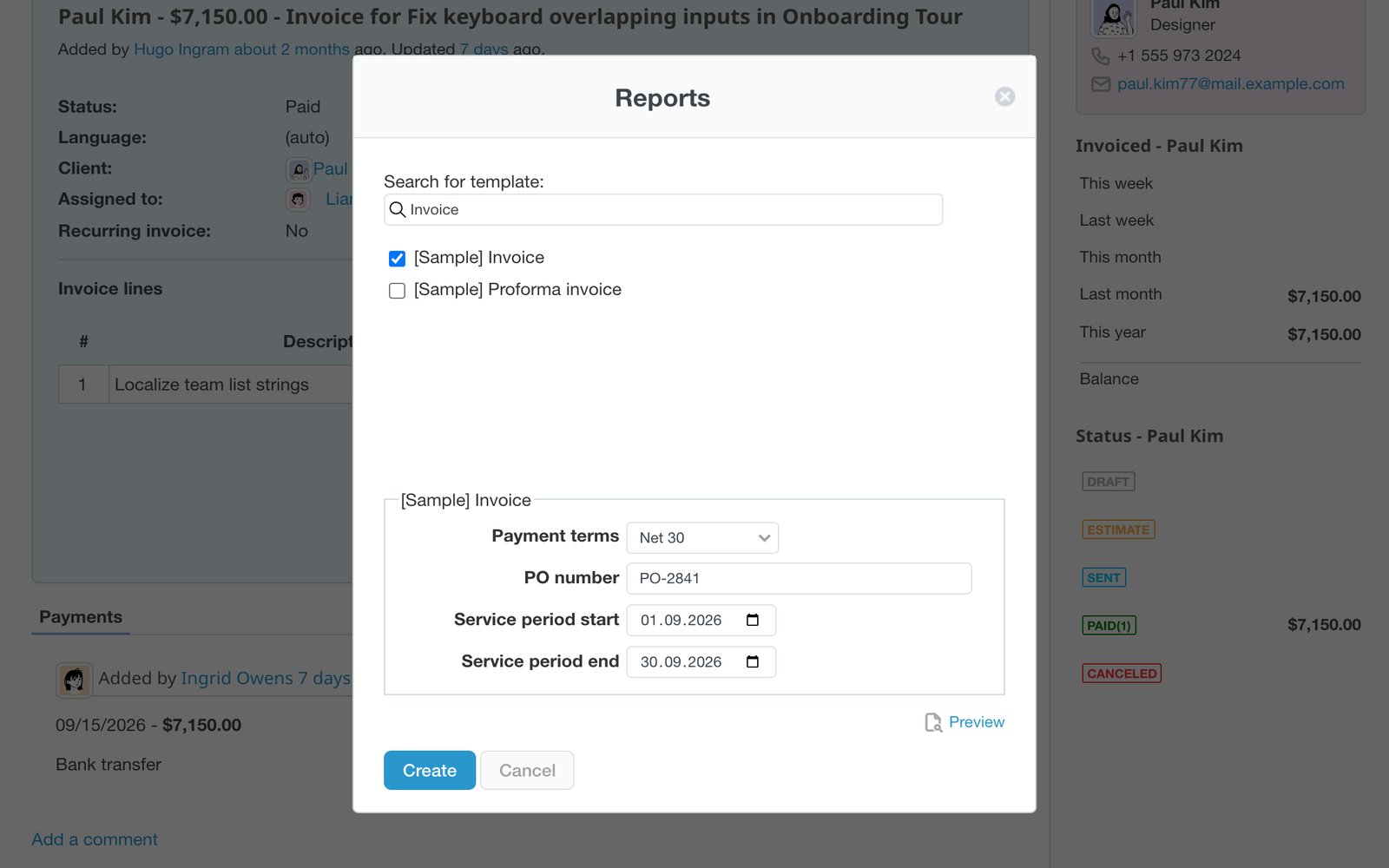
Add fields to an invoice template (Administration → Custom fields → Invoice templates), such as Payment terms, PO number or a service period, and mark them as Prompt. When you create a report, Redmine asks for the values first, with a block of fields for each chosen template, and puts them into the PDF. The same fields appear above the preview, and the public link carries the values you entered. Use them in the template markup with the Liquid custom_field filter.
Products in invoice lines
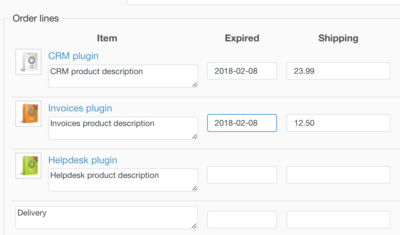
If your Redmine instance has installed the Products plugin, you can add your products to an invoice line. Once products are added, its price will be loaded automatically. You can also comfortably go to the products page using the link in the products name.
Custom Fields for Invoice lines
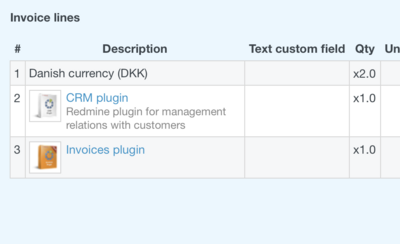
Each invoice line (description row) can contain Custom Fields now. They allow you to include additional data such as for instance license number, client number, the due date for products/service subscription. You can also use them in the custom invoice templates using the Liquid markup language.
Perdiodal Invoices
For recurring, repetitive payment, you can automatically set and pay invoices. They can be applied for repetitive daily, weekly, monthly and yearly payments.
Pay by PayPal
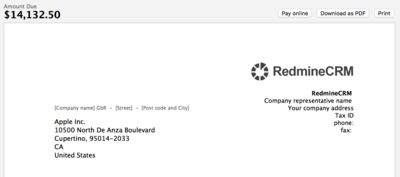
In the public Invoice view, you can see the "Pay Online" button. This lets your client pay immediately through PayPal for the billing after receiving it.