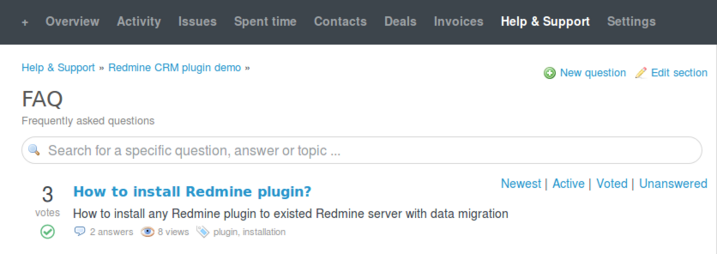
To start a new thread, go to the Help & Support page of the project and select New question.
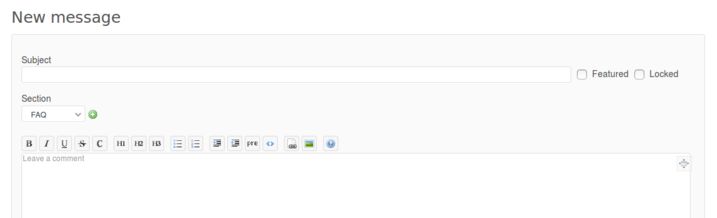
Each question should have a subject (title), and message (article) text. You can also add Tags to your messages (Tags plugin required) and upload files (for example, log files or images to be shown in your message). Create a Locked message if you don't want users to be able to comment or reply to it.
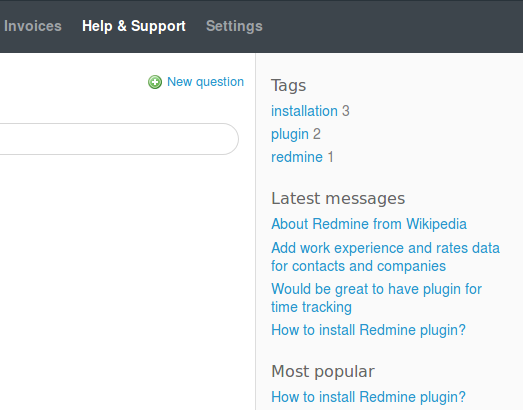
On Help & Support page sidebar you can find links to the latest 5 messages, as well as tags and most voted messages (more information about voting for messages - here ).