
The current troubleshooting guide will show you how to solve the problem when you create a booking and a non-admin Redmine user cannot see it on the Resources board. The problems that are causing this issue could be two.
Not enough permissions
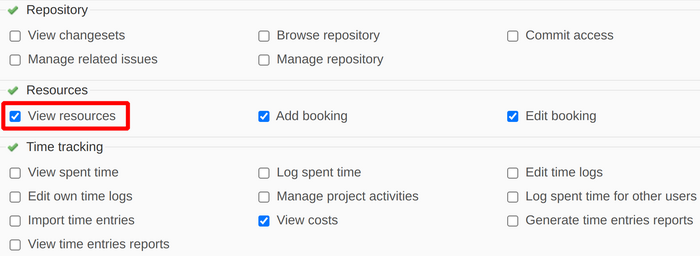
Please go to Administration - Roles and permissions - [select the needed role for the user(s)]. Enable at least the permission View resources and save the changes.
Note: Please keep in mind that you have to be logged in as administrator to enable these changes.
Module not enabled
Even though you have set the correct permissions for non-admin users to view Resources as described in the previous section, there could still be a problem for them to see Resources. To fix this problem, you have to go to the particular project (or sub-project) and enable the Resources module. Please go to Project - Settings - Modules section to enable it.
Note: Please note that you have to be logged in as the particular user who cannot see the Resources to enable these changes in order to fix the problem.
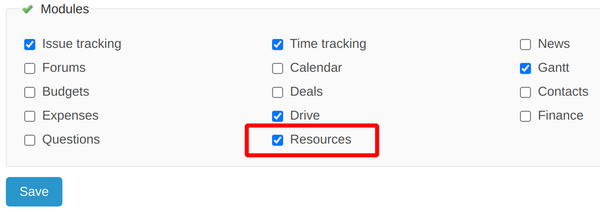
Afterward, save the changes and the Bookings (Resources) will start to appear on the Resources board for the non-admin user.