What's new in Redmine Questions plugin
AI answer drafts, question summaries and tag sidebar styles
New features
AI answer drafts
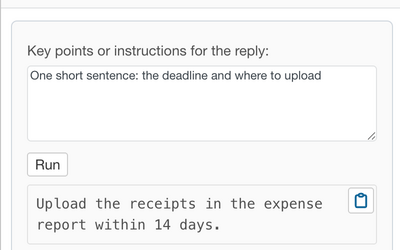
The AI assistant button in the answer toolbar opens "AI assistant for answer". Type the key points, press Run and get a draft written from the question, its comments and the existing answers. Insert puts the text into the editor, and nothing is saved until you post the answer. Needs Redmine Agent plugin and the Agent module in the project (PRO).
AI question summary
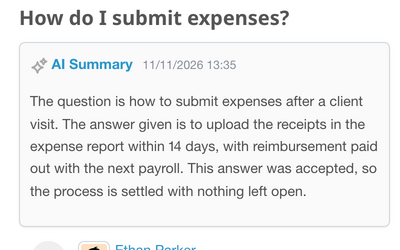
Choose AI summary in the question actions menu and a short summary appears above the question: what was asked, what was answered and what is still open. Refresh it when the discussion moves on, collapse it or delete it (PRO).
Tag sidebar styles
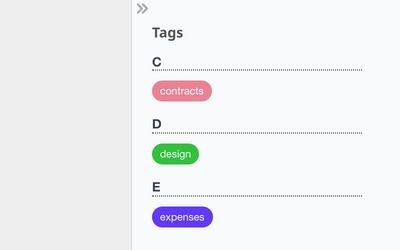
The tags in the sidebar follow the display of the Redmine Tags plugin plugin: list, cloud or simple cloud, with counts and ordering from its settings. A new "Sidebar tags" setting hides the block when you do not need it (PRO).
Learn more