
Custom fields add additional information to several types of data used in Redmine. Custom fields may be used for Issues, Contacts, Deals, Invoices, Products, and so on.

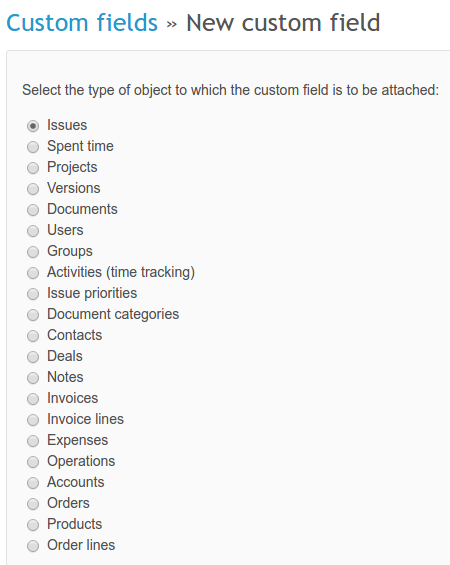
In order to create a new custom field, go to Administration -> Custom fields and click on New custom field in the right upper corner. You will have to choose the type of object for it first:
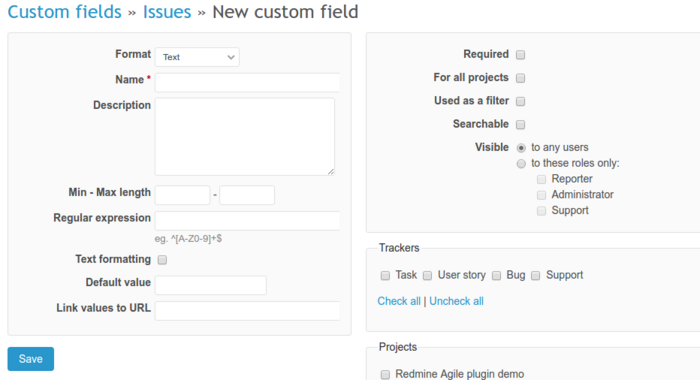
Next, fill in some details.
You might have come across a custom field of Company type. It contains the company name so you can later filter data by it. When creating such a custom field, in the Format dropdown choose Company.
You can also edit existing custom fields - just click on the name of the field.
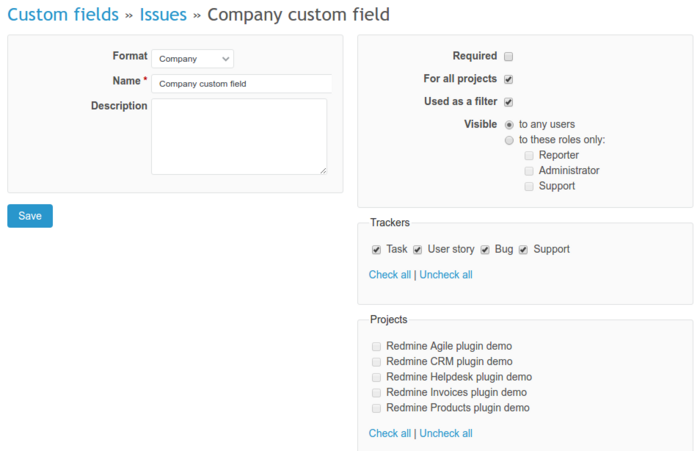
If you want to filter data based on your new custom field, just check this option in. You can also decide whether this custom field will be a required field, available for all projects or just some of them, available for certain trackers and whether it will be a private custom field or visible for other users.
Custom fields are usually used for the filtering data - they are available in the filters dropdown list. To see the custom field in the list of filters you need to edit this field and check Used as a filter option.