
How to activate plugin module
In order to activate a plugin you have already installed, go to Project -> Settings and Modules tab. There you are able to choose plugins you would like to make active.
Please note some plugins do not require installation by yourself as they are preinstalled in Redmine, e.g. Checklists.
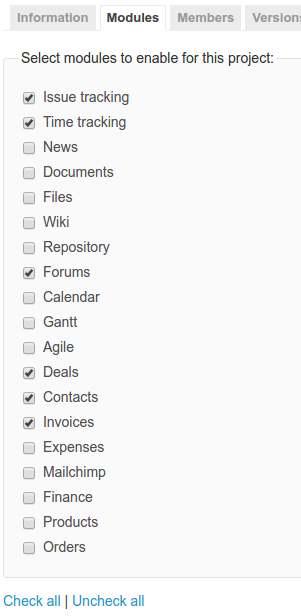
Don't forget to Save your changes afterward.