
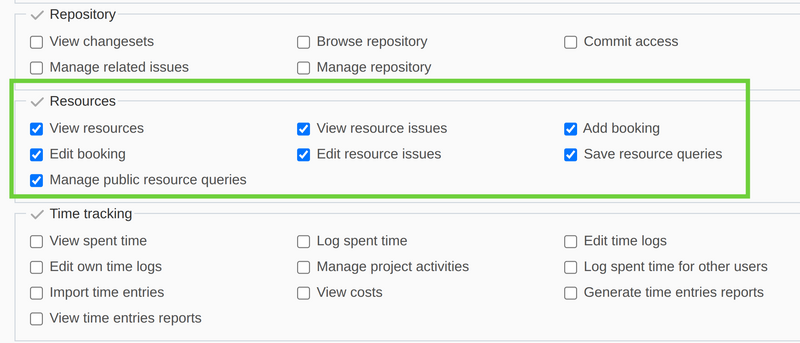
Like for any other plugin, in order to modify permissions for Resources, you should go to Administration -> Roles and permissions. Click on a role you would like to modify, and then scroll down to the Resources section. Enable or Disable the appropriate fields:
Resources
- View resources
- Add booking
- Edit booking
- View resource issues
- Edit resource issues
- Save resource queries
- Manage public resource queries
Please check the below screenshot reference to make the situation more clear:
Note: For showing in detail the available permissions in the access management please see the video below.