
Resources plugin settings
To access the plugin's general settings, go to Administration > Plugins, find Resources plugin in the list, and select Configure.
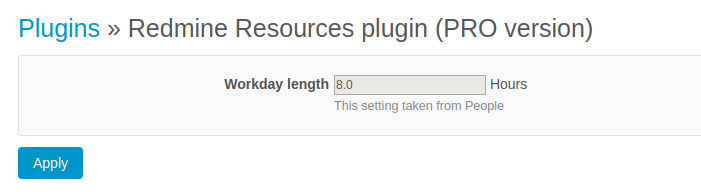
There is a single setting - Workday length. This value is used to estimate if a day is overloaded or underloaded. It is the same as the corresponding setting in the People plugin. To change it, go to Administration > Plugins, find People plugin in the list, and select Configure.
Note: Only integers are a valid value of Workday length.