New features in Redmine Drive plugin
See what's new in the latest versions of our Drive plugin
New features
Named share links
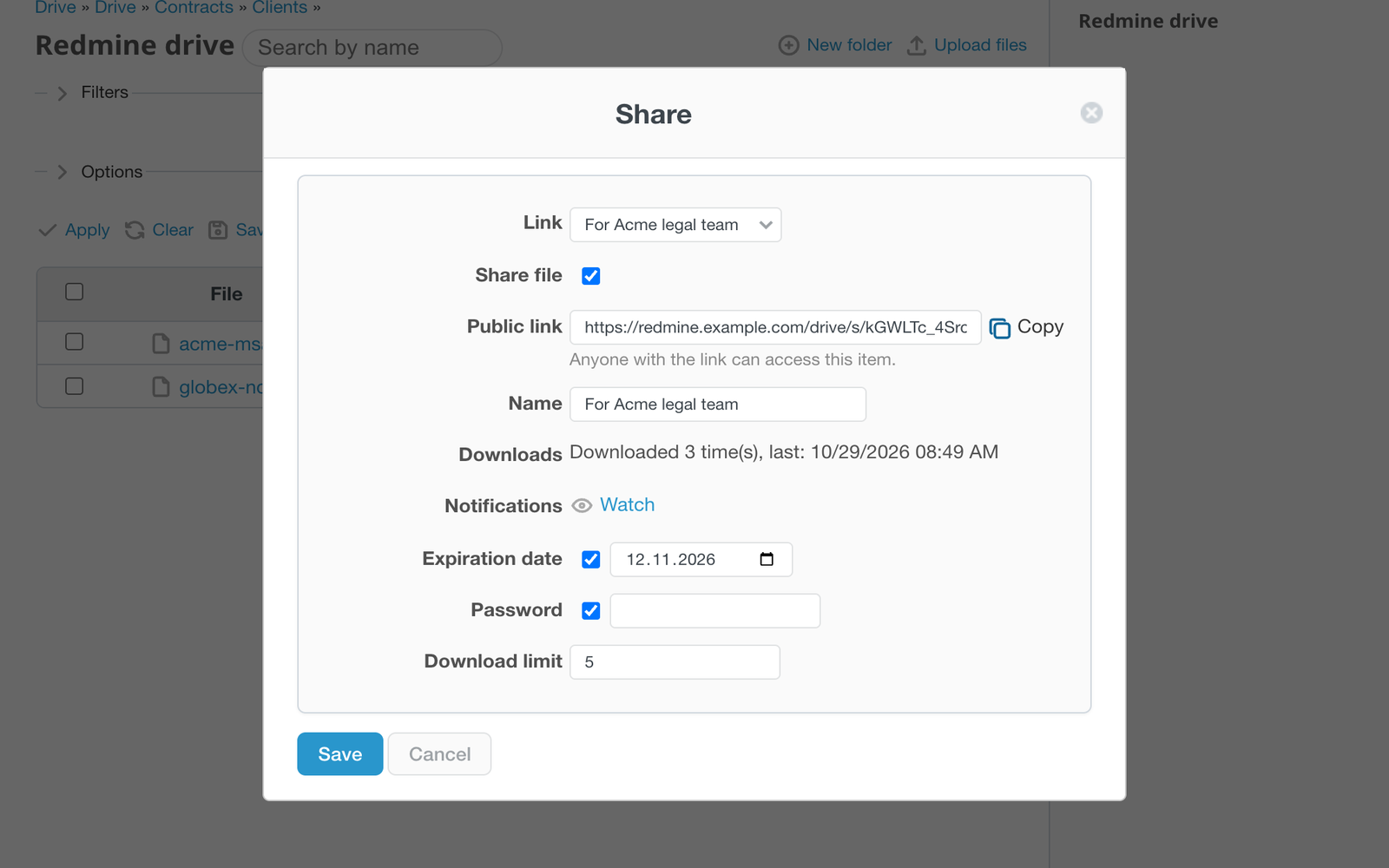
Share one file or folder with different people and give every link its own name, like "For Acme legal team". Each link has its own expiry date, password and download limit, and the share dialog shows how many times it was downloaded and when. Watch a link to get an email when someone downloads from it. Links issued before this update stop working, so share the items again.
Upload links
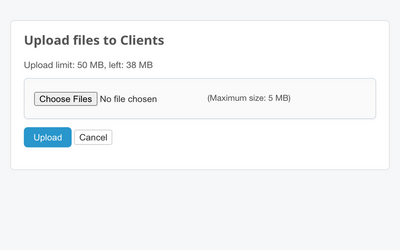
Create an upload link for a folder and let clients send files to it without a Redmine account. Set an upload size limit, an expiry date and a password; uploaded files land in the folder, and watchers of the link get an email. The public page has its own clean layout without the Redmine menu.
Password Access
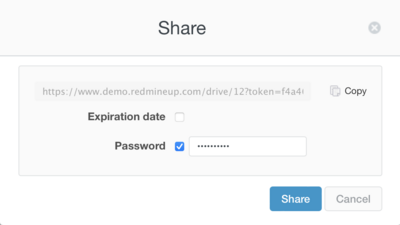
You can now share files and folders on the Drive and protect them with the password. Once the file or folder is shared and secured with the password, other users will be able to see it on their Drive with shared icon. To open the file, they need the password.
File version history
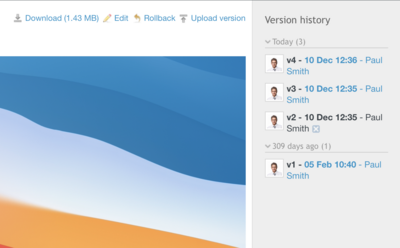
For any file on the Drive, you can now upload new versions by clicking Upload version. All the versions of the file will be shown on the right menu. To see any of the version in details just click the file in Version History. It's also possible to Roll back the current version of the file to the previous one in any moment.