From Drive 1.1.0, a new feature was added - File version history. It allows you to keep history changes of a particular file changes allowing you to track and control the evolution of the file.
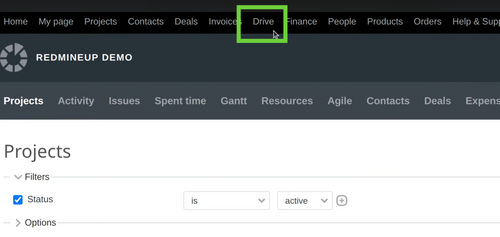
To access the feature, firstly open the Drive from the top menu.
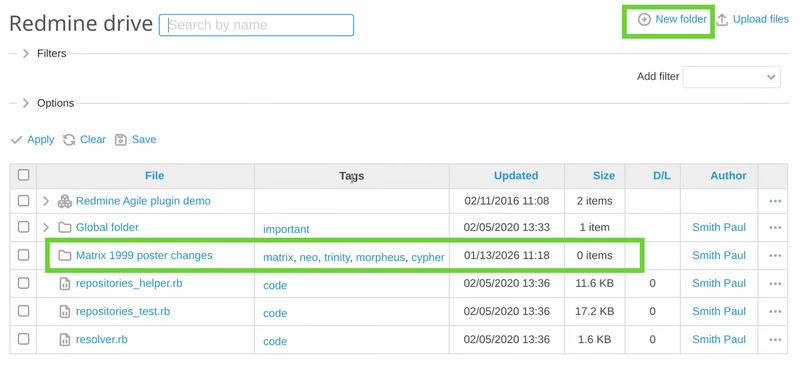
Then for our example we will create a new folder.
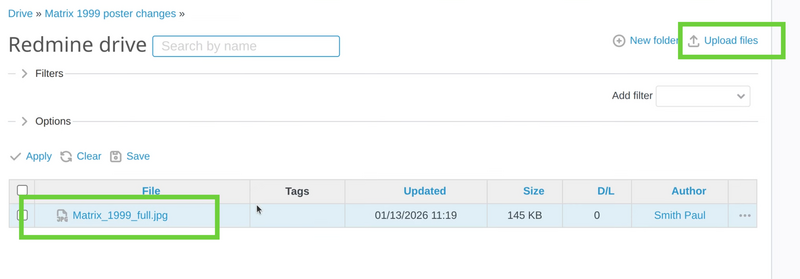
Afterward please upload a file (a picture in our example).
Now, please open the picture. You will see on the right sidebar the version history itself, currently it is only version 1 because it is the original image. Now you have to upload a second version of this picture via the appropriate button (near to "Edit button").
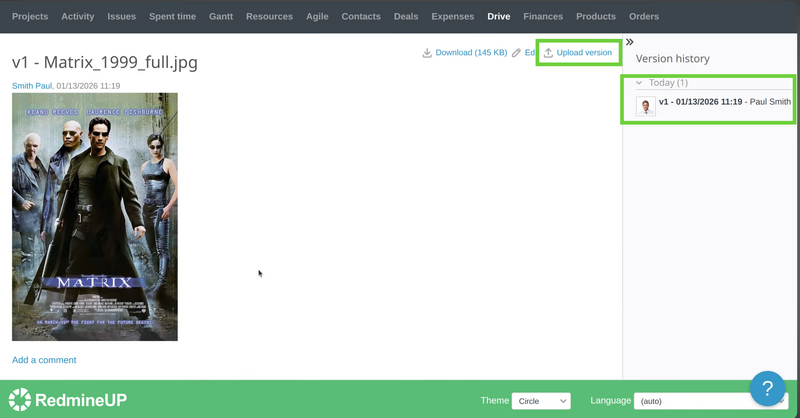
In our example we use the Matrix poster from the iconic movie of the late 90s. The original poster has 4 characters - Neo, Morpheus, Trinity and Cypher. With another software we just decide to cut Trinity from the it and upload the second version of the poster. So, here it is.
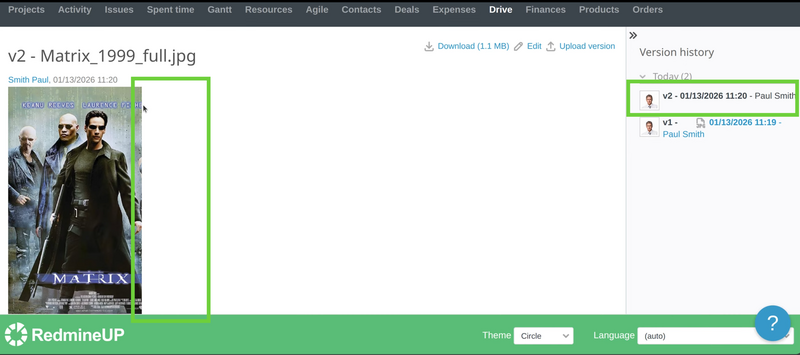
In the same manner, we just decide to remove Cypher and upload version 3 of the picture.
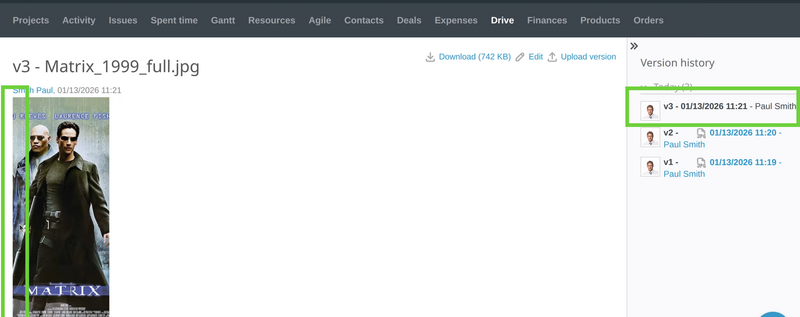
And the final fourth version is to remove Morpheus and leave Neo to be alone at the poster.
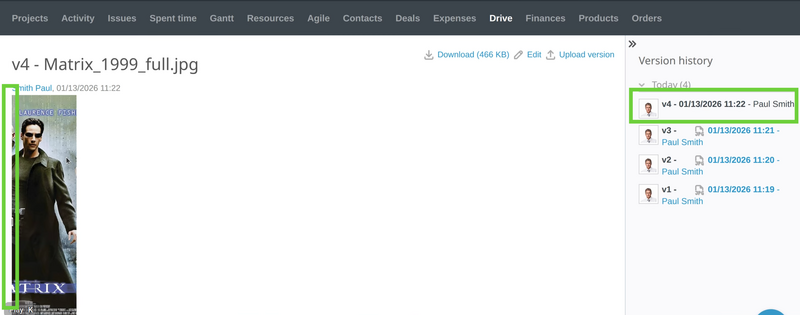
You could check the version history anytime from the right sidebar. Also, very useful thing is that every version has the specific date and time when it was uploaded. It helps a lot with the control of the file changes.
Note: Please note that in the above example it is shown for a picture changes version history. But it could be applied to everything. You could use it for text document changes, source code file changes, video editing changes, and many more.
Video Demonstration
Please check the below video demonstration of the feature.