
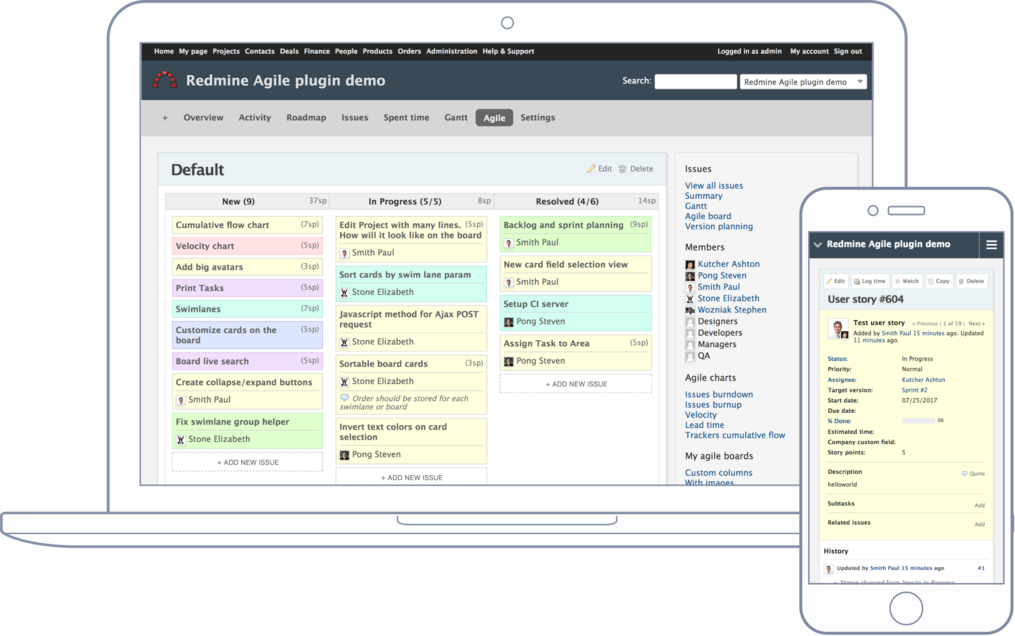
Requirements
| Redmine | 7.0 - 5.0 |
|---|---|
| Devices | Desktop, Laptop, Mobile, Tablet |
| Displays | Non-Retina, Retina, 4K |
| OS | Linux, OS X, Windows, iOS, Androin, Windows mobile |
| Browsers | Chrome, Safari, Internet Explorer and Firefox |
Over 150 000 companies from 120 countries use RedmineUP plugins, themes and services








Gallery
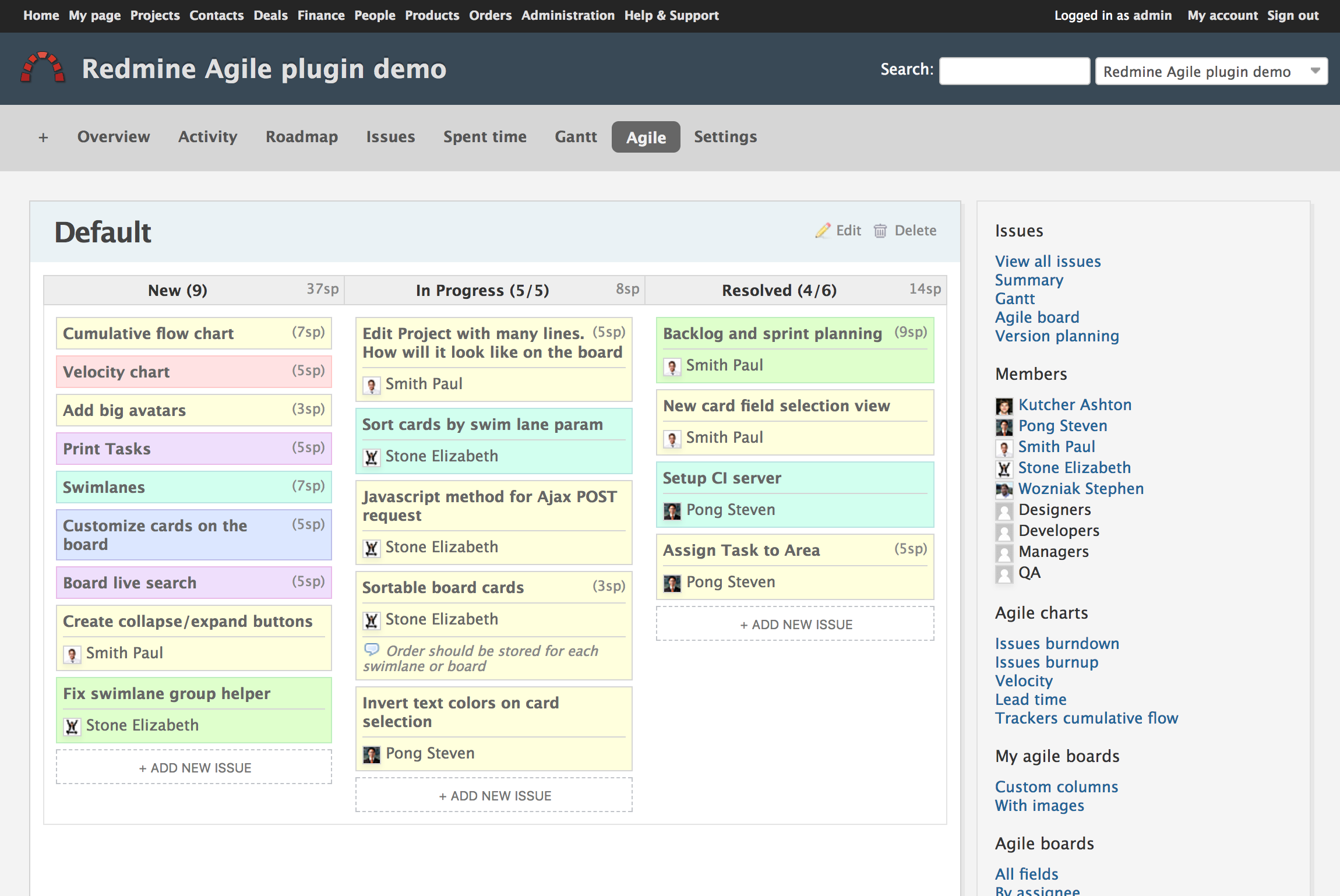
Agile board
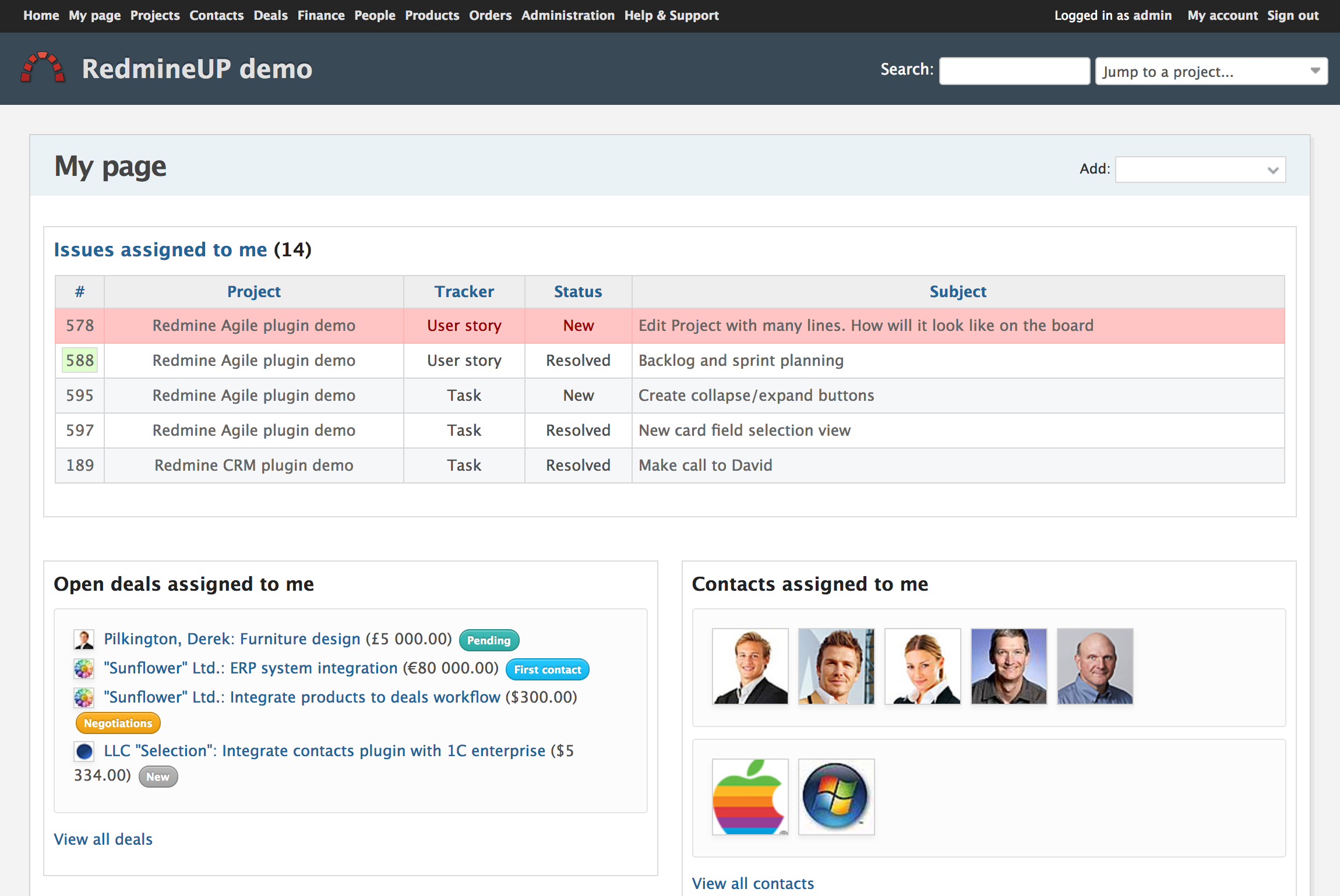
My page
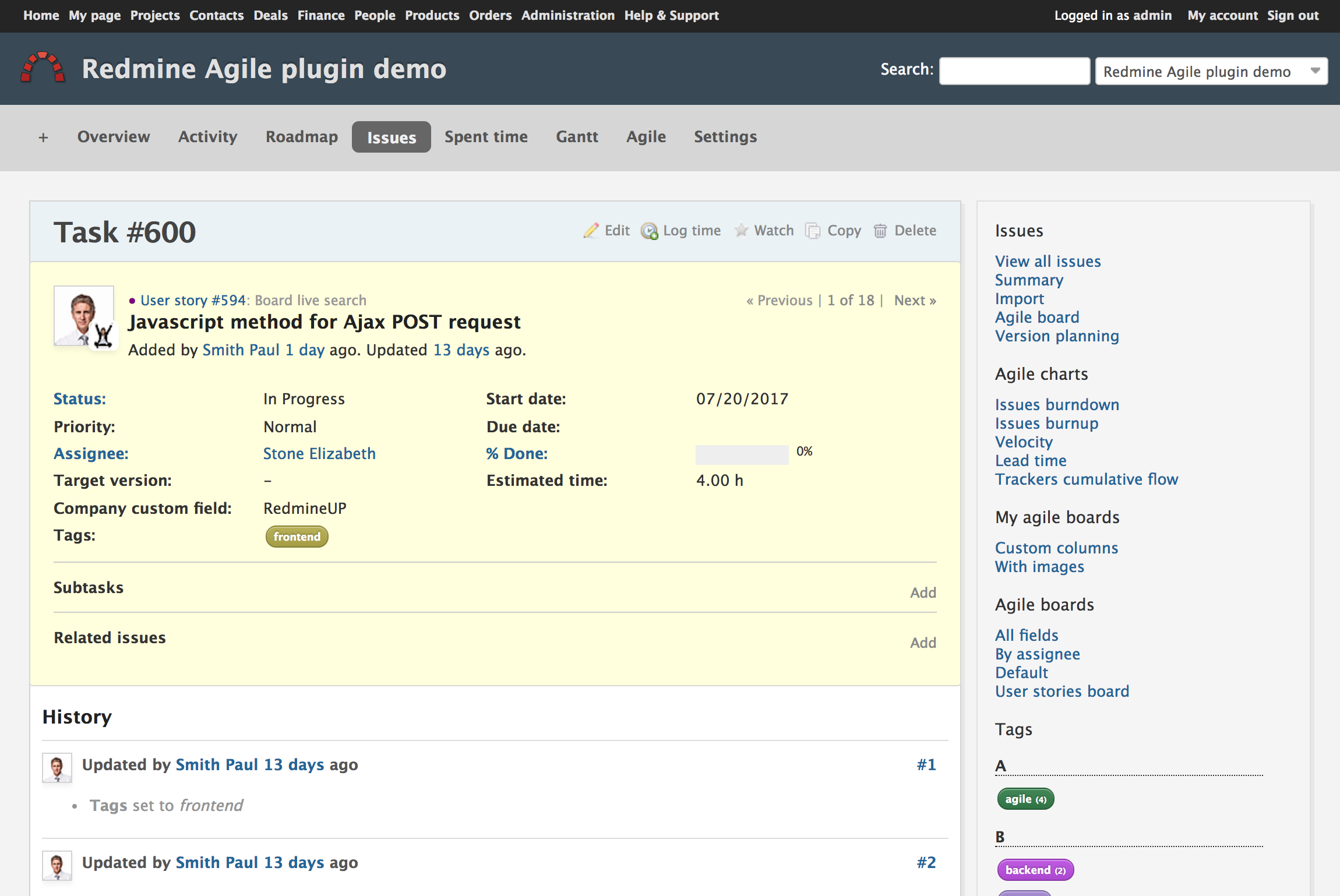
Issue page
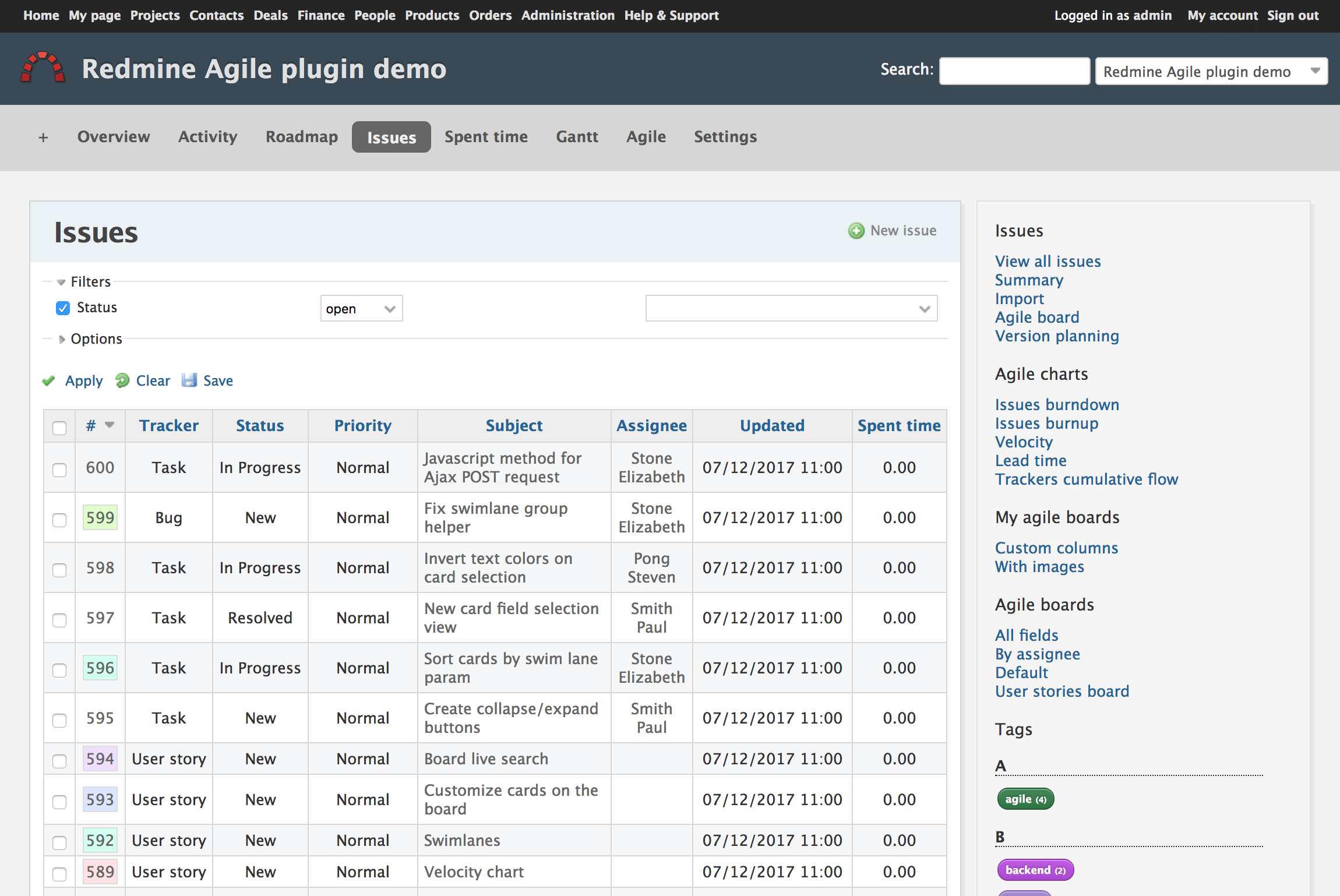
Issue list
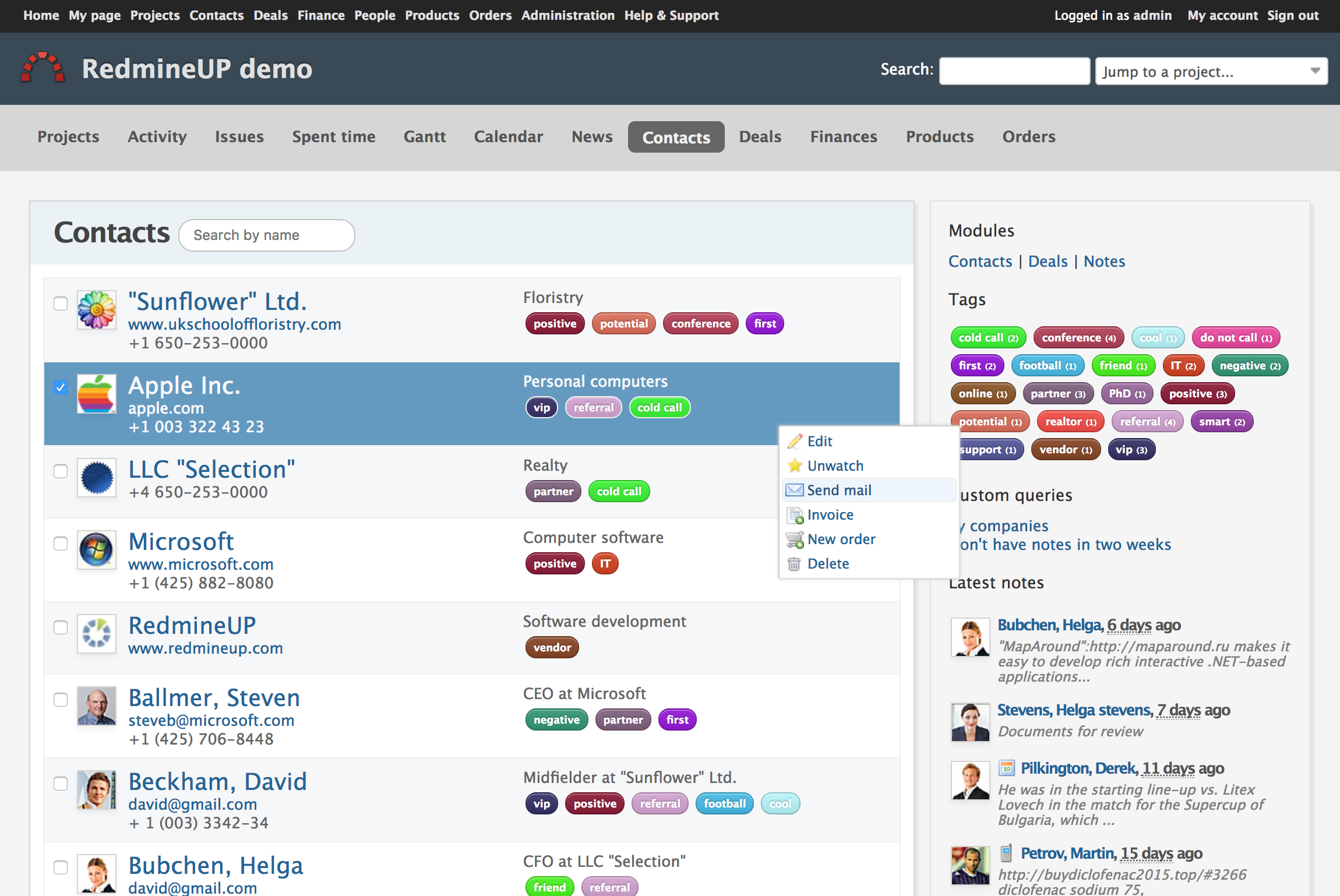
Contact list
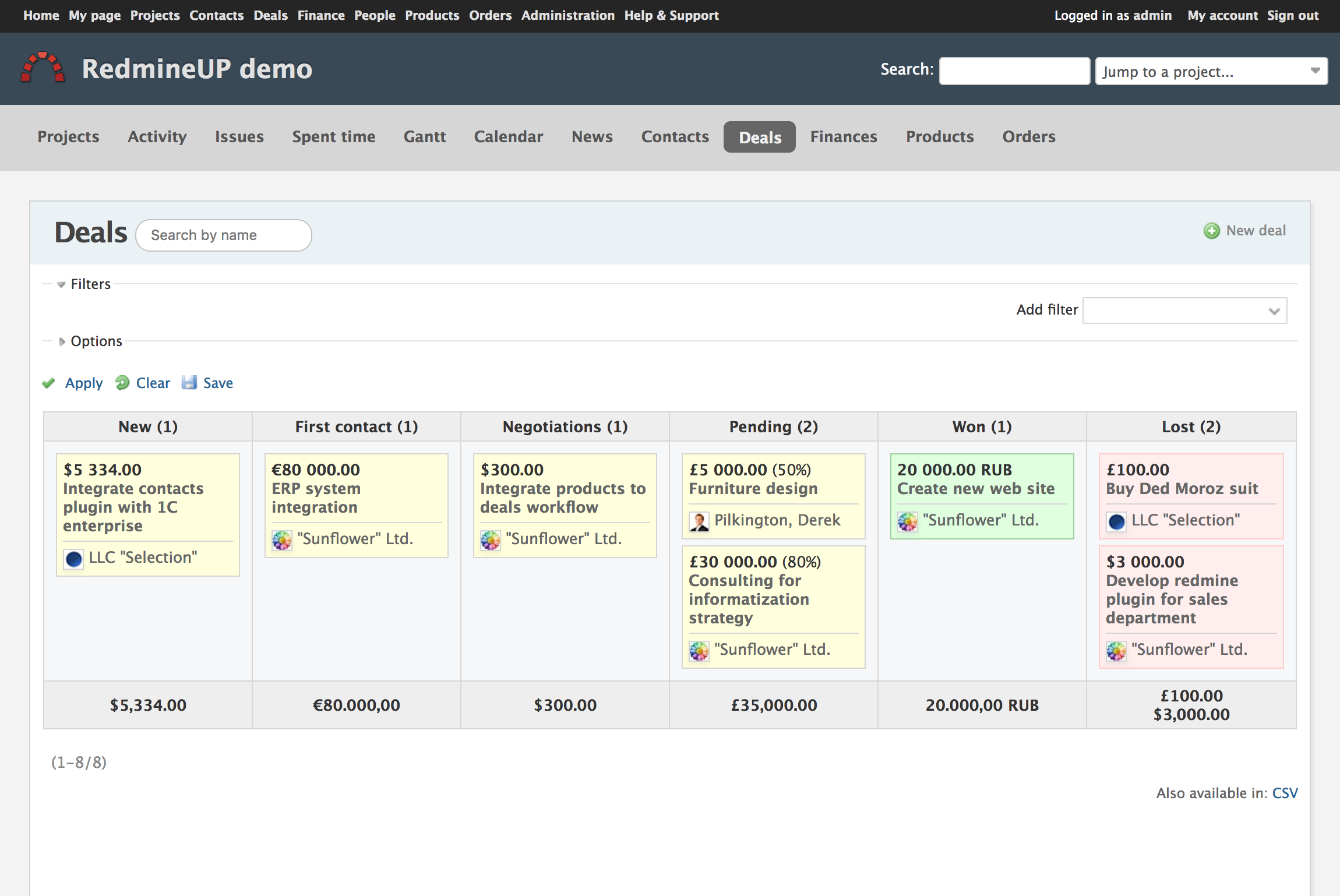
Deals
Installation
- Download the theme
- Unzip it into
../public/themes/. This would result in a directory-path to application.css like:../public/themes/a1/stylesheets/application.css
Please keep in mind that after Redmine 6, the theme needs to be extracted in …/themes instead of …/public/themes
- You now may need to restart Redmine so that it shows the newly installed theme in the list of available themes.
- Go to "Administration -> Settings" -> "Display" and select your newly created theme in the "Theme" drop-down list. Save your settings.
- Redmine should now be displayed using the selected theme.
- Important: For Redmine 6 and above, folder of the theme is in root dir not in public dir. Also at the end you should execute the following command to make the things work correctly
sudo bundle exec rake assets:precompile RAILS_ENV="production"
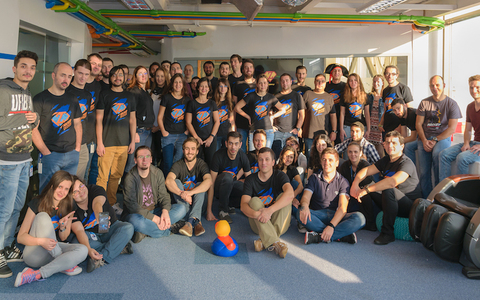
Customer story
— Marius Balteanu, CIOZitec benefits greatly from your products, and they turned our Redmine into more than an issue-tracking system. We appreciate the way the support team handles our questions every time we’ve contacted them. You do a great job. The Zitec team confirms that

Changelog
Last update (Feb 25, 2025, Version: 4.1.2)
- Supported Redmine versions: 6.0 - 1.0
- Redmine 6 icons color
- Contacts plugin compatibility