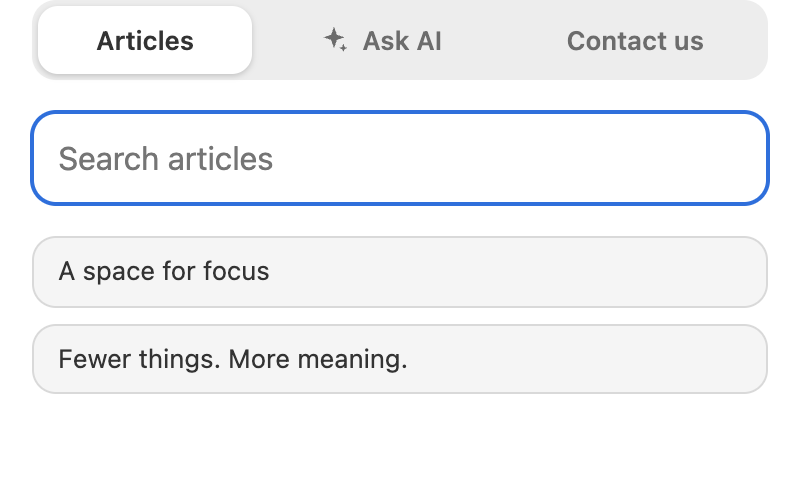
The Helpdesk widget can show Pages of your CMS site, such as the help center, as articles in its Articles tab. Customers read the same text in the widget and on the site. This needs the Helpdesk plugin with the widget and the CMS plugin.
Add Pages to the widget
In the Helpdesk widget settings, open Articles, enable Show the articles tab and write one source per line:
cms:help_installation
cms:help:*
cms:help:**
cms:PAGE_NAMEis one Page; use the Page name, not the path.:*at the end adds its direct children,:**all Pages below it.
Helpdesk keeps this list; the CMS decides whether a Page may be read.
Which Pages are shown
A Page is an article only when it is active and public, judged as for an anonymous visitor. If you close a Page later, it disappears from the widget at once. Pages with the visibility for logged-in users or groups are not shown.
How the article looks
The Page body is rendered as on the site (Liquid first, then the filter), but without a Layout. Links to other covered Pages open inside the widget, links to other public Pages open on the site, and links to closed or missing Pages become plain text. Images keep their site addresses. The title comes from the Page title, and the group of an article is the value of the Page field section, the same field the help center groups by.
Do not use tags that need a web request, such as vote, csrf_meta and csrf_param, in Pages that are articles: they print an error text in the widget.