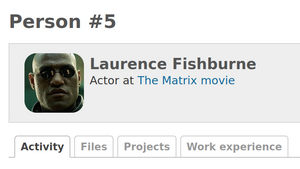
This article will teach you how to add an avatar to your person.
You can either add it while creating a new person or while editing an existing one. In our example, it will be the second scenario.
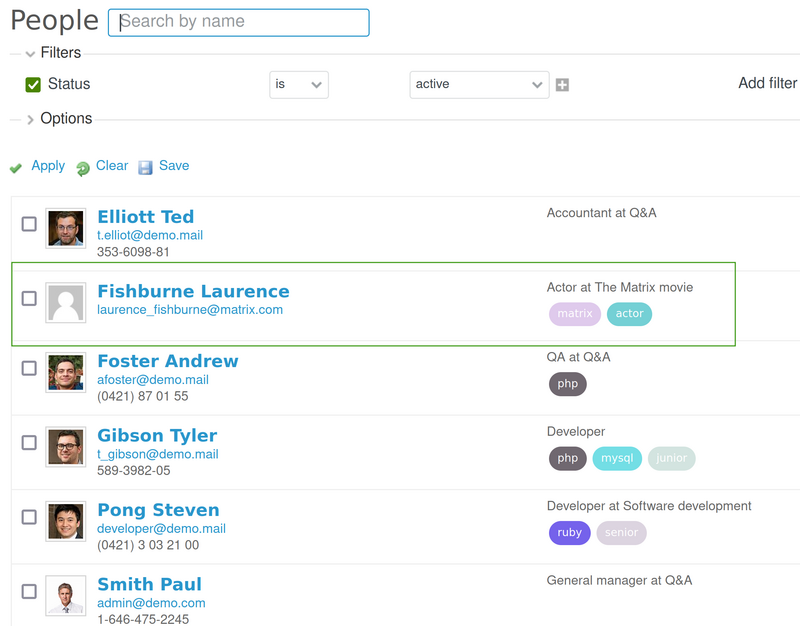
Firstly, please open your Redmine and select People from the top menu.

Then pick the person that has no avatar.
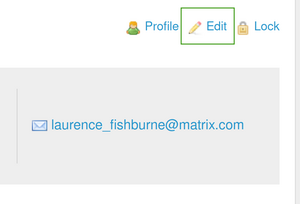
Click on the Edit button that is located between the Profile and Lock buttons.
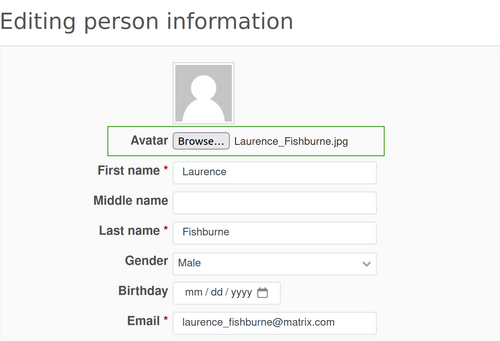
Afterward, upload the picture via the Browse button on the Avatar Field. Don't forget to save the changes of your person (via the Save button at the bottom of the page).
As a result, we have a person with an avatar.