
To make your finance operation visible on your Account, by default you have to approve it.
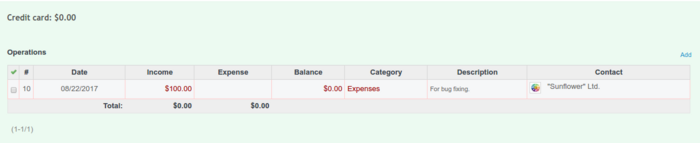
It can be done in two ways:
- when creating a new operation, check Is approved, it will be then approved automatically after clicking 'Save'
- after the operation is created, go to Account, right-click on the operation and choose Approve
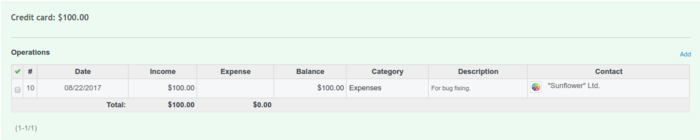
After it is done, you will notice that the account's balance has changed:
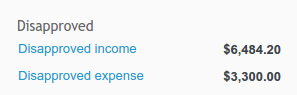
All operations that were not approved, can be found under Disapproved operations in the right sidebar.
Please note, you can disable approving operations in Administration -> Finance, General tab. Uncheck Approve operations field.