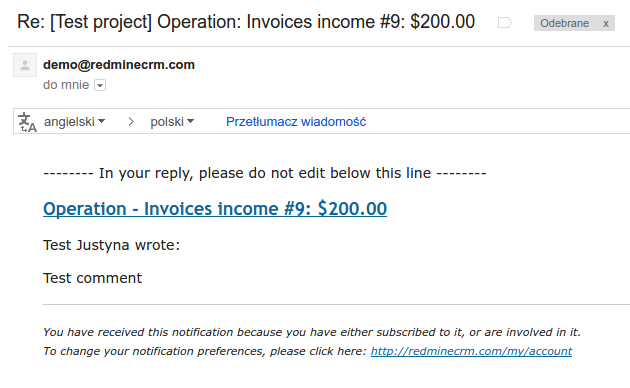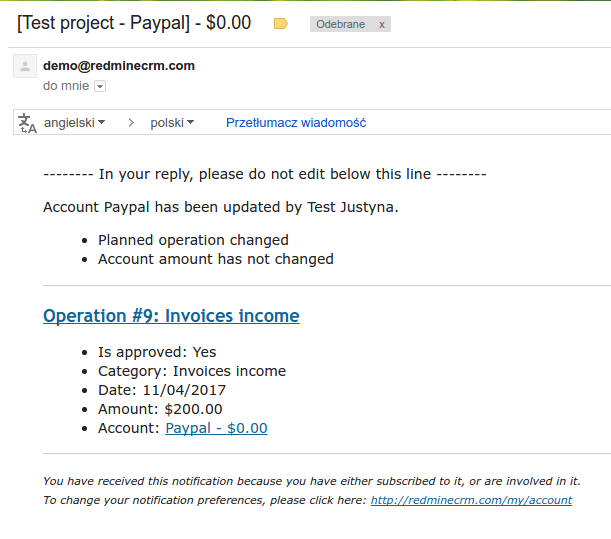
The Finance plugin offers email notifications for two events - changes in the account and comments for finance operations. In order to enable the notifications, you have to do the following:
- enable email notifications in Administration -> Settings, the Email notifications tab

- watch the finance account (click on Watch in the right upper corner on the account page)

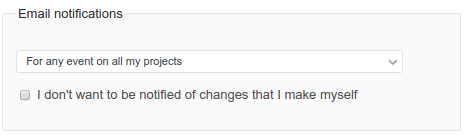
- enable notifications in your user profile
After that, when you make changes in the account (e.g. add a new operation, and account balance changes) or you comment on any finance operation, you will receive emails: