From Reporter 2.0.0 version, the following feature was added - with_formating filter. It is a great new option that allows text formatting to be available on the report. Let's take a look at the following example to see how it works.
We have the following text formatting in an issue.
*Items in bold*
_Or in italics_
+Use underline+
 _*Or even bold italic*_
Add colour %{color:red}to words%
%{background:lightgreen}Add colourful% %{background:yellow} backgrounds%
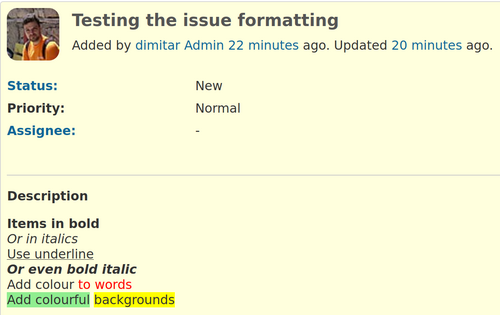
The issue itself after saving looks like this.
So, we go to Administration - Plugins - Reporter - Reporter Templates - New Report Template to create a new one and insert the following code:
The issue description is:

{{issue.description | with_formatting}}
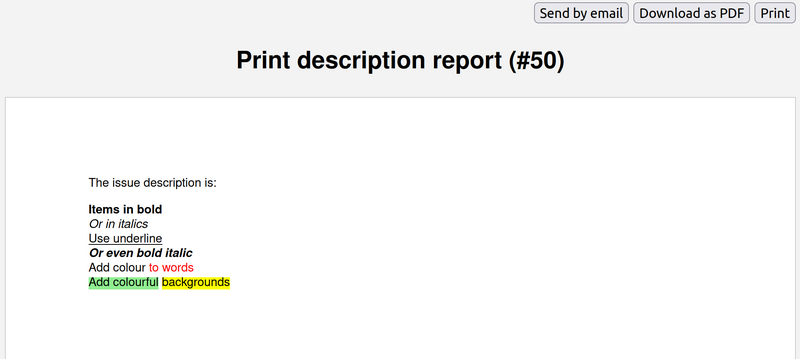
The code will print the description of the issue and include the text formatting.
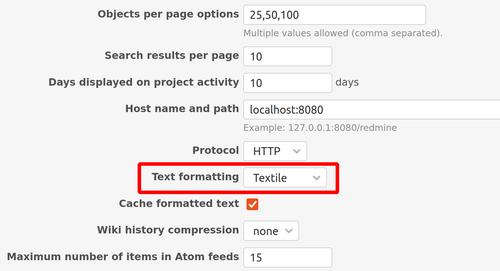
Note: Please note that the text formatting option should be enabled in the Redmine main settings.