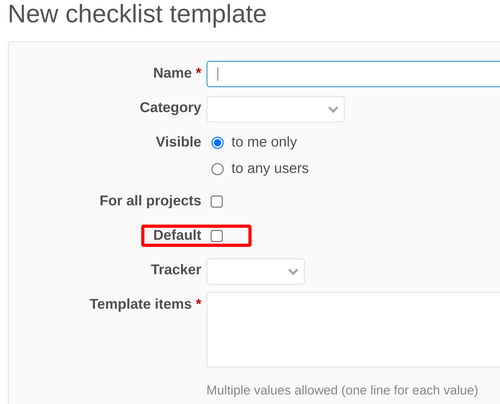
This guide will teach how to find the Default option of the checklist templates.
If you open the global Checklists configuration for the templates in Administration (on top) - Plugins - Checklists - Checklist templates:
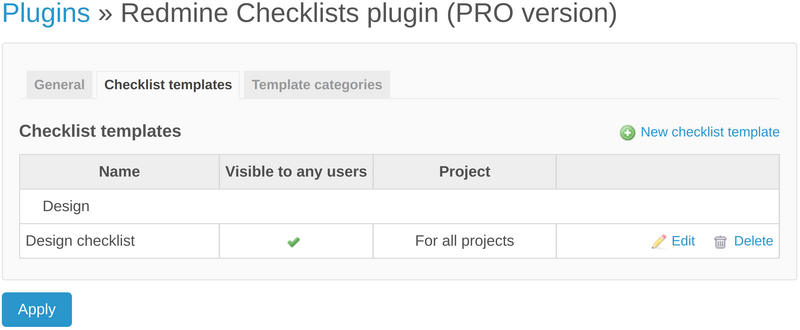
Then there is no Default option. It is by design of the plugin.
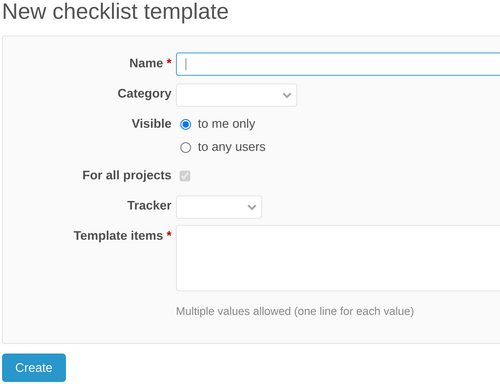
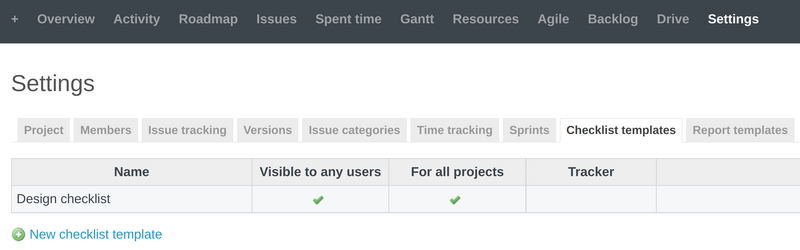
However, if you open the project-level settings of the Checklists, then the situation is a bit different. Please select a specific project, then Settings - Checklist templates.
The Default option is now appearing for your Checklist template.