This guide will teach you how to fix the problem if you are not able to move issues between the Backlog board columns. There are 3 possible solutions.
Agile and Backlog modules
Please make sure that all the sub-projects that have issues on your Backlog board have enabled both Agile and Backlog modules.
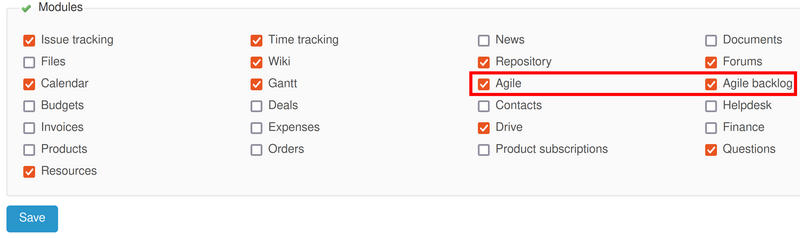
These modules are located in the project settings (project tab).
Issue Roadmap
Also, make sure that all the trackers have enabled option Issues displayed in roadmap.
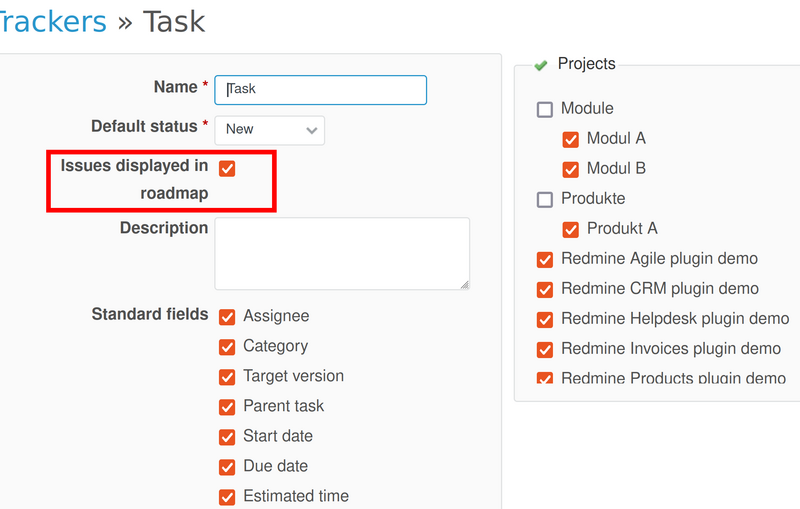
This configuration is located in Administration - Trackers.
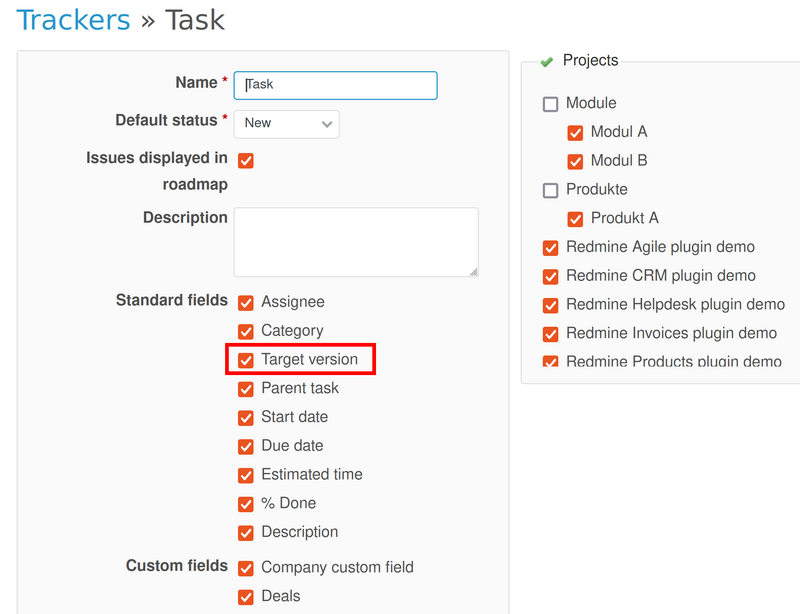
Target Version
As still being in the tracker's settings (Administration - Trackers), be sure to have enabled the Target Version for all trackers too.