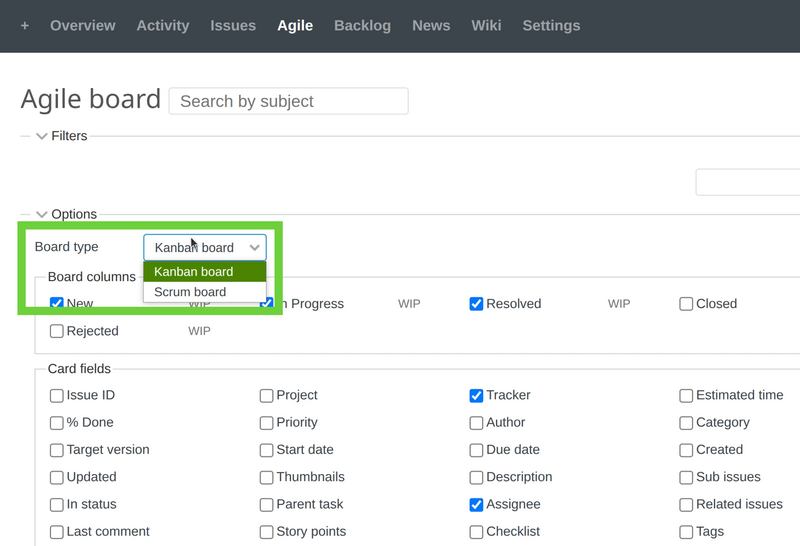
Description of the problem
The problem comes when you open an Agile board and expand the options. Then there should be a Board type option where you could select between Scrum and Kanban boards. But this option is missing.
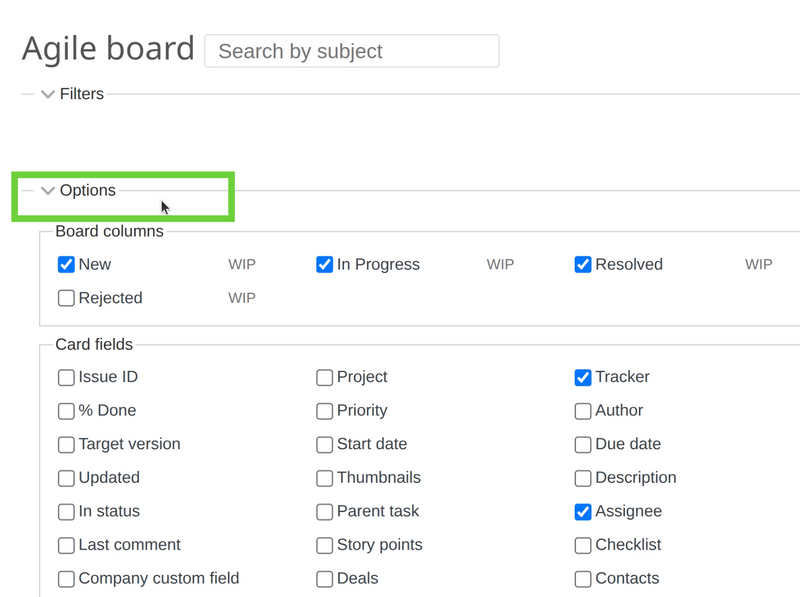
Solution
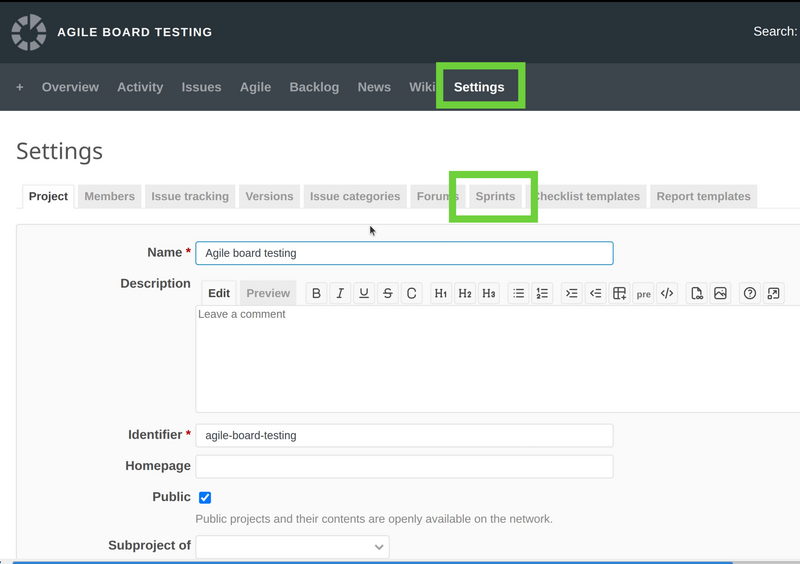
To fix this problem, you have to just create a new sprint in the specific project where you are currently at. For this purpose, please go to the settings of this project and then Sprints tab.
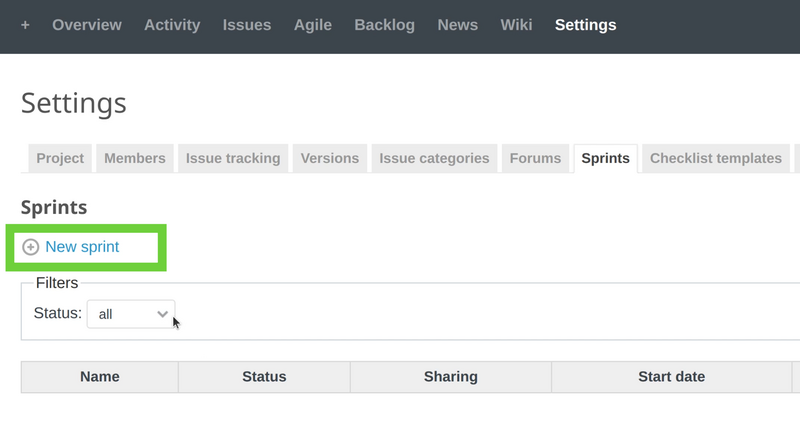
Then you will see an empty list of sprints. Please click on the New sprint button to add one.
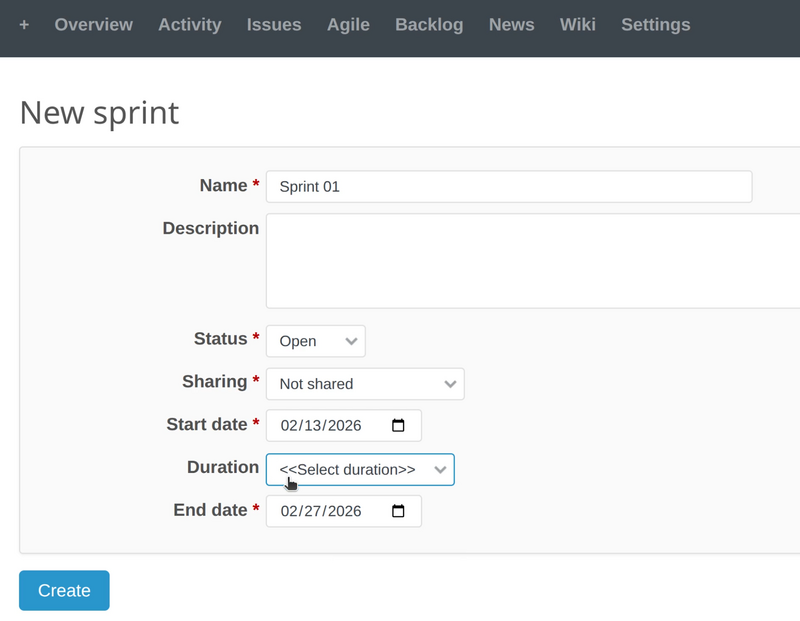
Fill the needed information for the sprint.
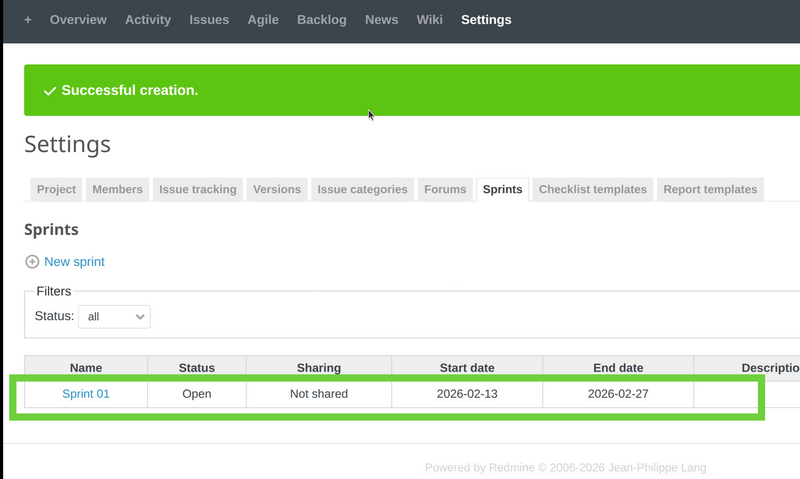
You will got a new sprint in the list after the successful creation.
And then please return back to your Agile board and expand the options again. You will now see the Board type drop-down menu with the 2 available options.