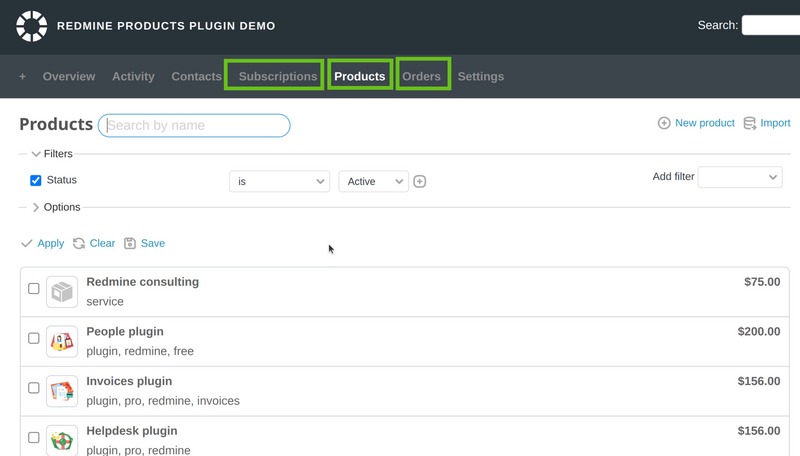
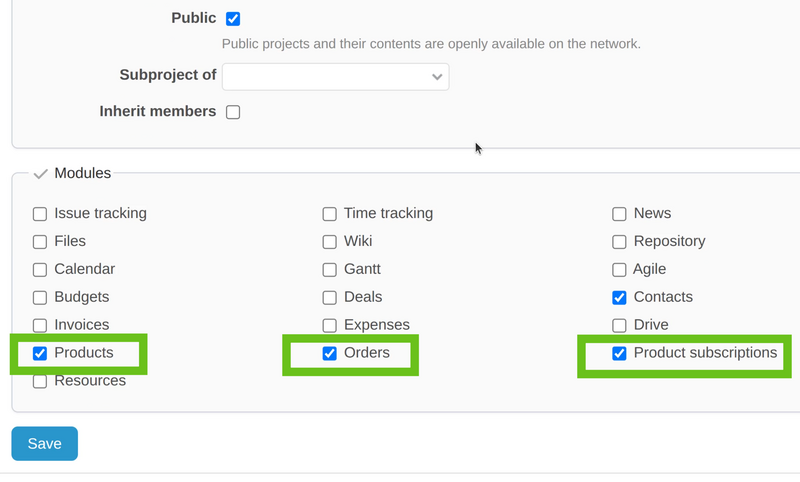
In order to activate the Products plugin - assuming you have already installed it, go to your project Settings, and find the modules tab. The plugin itself consists of 3 separate modules:
- Products
- Orders
- Products Subscriptions
You have to enable all of them.
Afterward, the new tabs in the project will appear successfully for you, so you can start using the Products plugin with its full functionality and options.