
Go to all products view in your project. Here, under Options you can sort, group, and display products in different ways.
- Group results by, as the name goes, groups products by a certain element
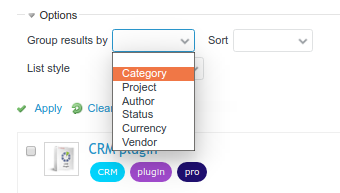
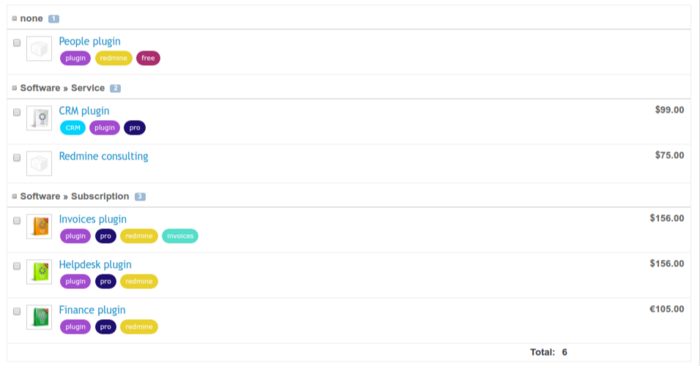
For example, you can group products by category:
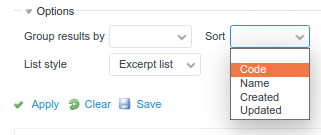
- Next to grouping, we have sorting. By default, the list starts with the newest product.
- List style allows displaying products as a list (default) or as a table.


Under the list/table you will see the sum of products you have.