In order to create a proforma invoice, you have to create a separate invoice template for it, ideally with the title Quotation or Pro-forma, depending on which name is being used in your country. In order to create a new, custom template, go to Administration -> Invoices, General tab - click on the link Invoice templates, then New invoice template. Here you can create a template that will be accessed globally. To add a template only for a specific project, go to Project Settings, Invoice templates tab. The invoice template is based on HTML code (with Liquid markup) which you provide in its content.
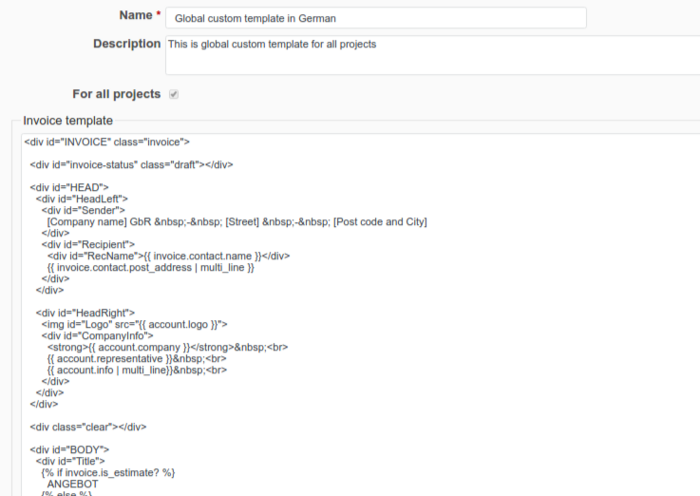
To learn more about invoice templates, please have a look at our article