In order to activate online payments, go to Administration -> Invoices, Online payments tab. Enable the Paypal and provide your PayPal email address. The address has to be real otherwise PayPal won't show the payment form.
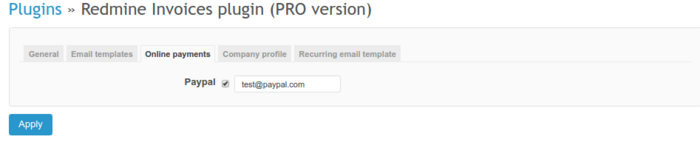
Payment won't be added automatically and invoice won't change their state after payment (that has to be changed manually after Paypal payment notification).
Please note: Pay online button appears only in custom template public link view. You will find a public link in the right upper corner in the invoice view. It does not appear for draft invoices though.

When you open the invoice from the public link, you will find the button in the right upper corner.
