
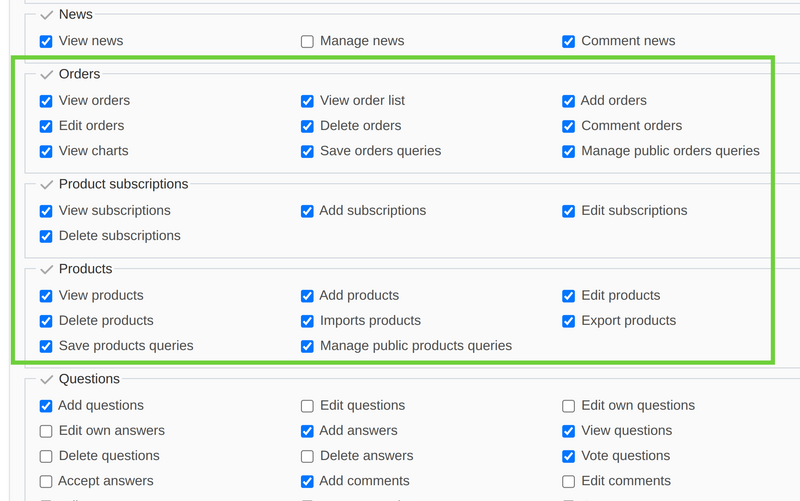
Like for any other plugin, in order to modify permissions for Products (and Orders) you should go to Administration -> Roles and permissions. Click on a role you would like to modify, and then scroll down to the Orders, Products subscriptions and Products section. Check-in/check-out appropriate fields.
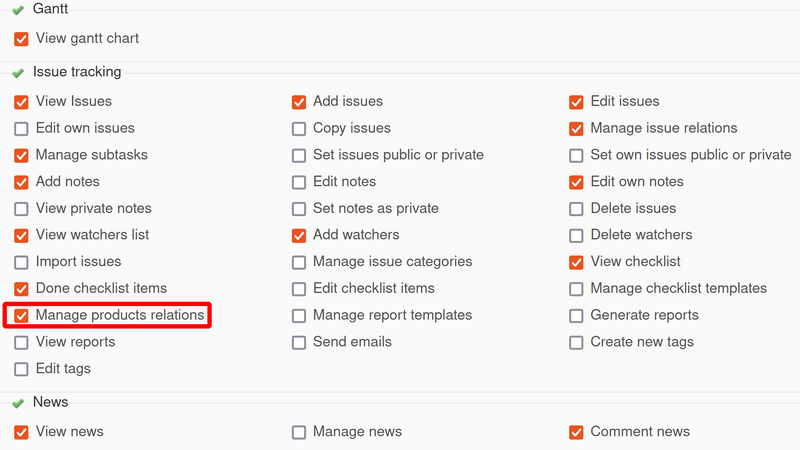
Please note that in the Issue tracking section, there is one more permission that could be enabled/disabled - Manage products relations:
Note: For showing in detail the available permissions in the access management please see the video demonstration below.