Administration > Issue statuses
Administrators can create additional Issue statuses.
Predefined Issue statuses in Redmine are New, In progress, Resolved, Feedback, Closed, and Rejected. Statuses marked for Issue closed belong to “closed” issues category; any other status means “open” issues category.
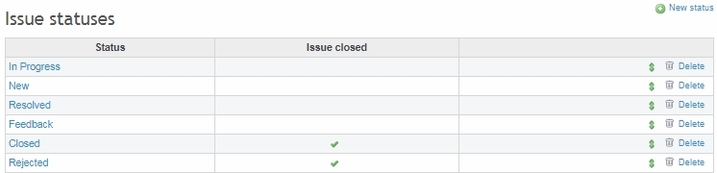
Use the green arrows icon to sort Issue statuses manually by dragging within the list, and Delete to remove a status permanently.
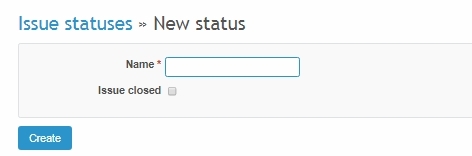
To create a new status, go to New status, type a status name and define category (check to create a “closed” status or leave empty to create an “open” status).