From Reporter 2.2.0, you can ask an AI assistant to draft a report template. You describe the report in a few words, the assistant writes the template, and you review it in the editor before saving.
Requirements
- The Agent plugin is installed (it needs Redmine 6.1 or higher) and an Agent connection to an AI model is set up for you.
- The Agent module is enabled in the project of the template. A global template needs no module.
- You have the Manage report templates permission in the project of the template, or you are an administrator for a global template.
- The template is saved. The assistant is not offered on the page of a new template.
Without the Agent plugin, nothing changes in Reporter and the menu item does not appear.
Draft a template
- Open a saved report template.
- Click ... at the top right of the page and select AI assistant.
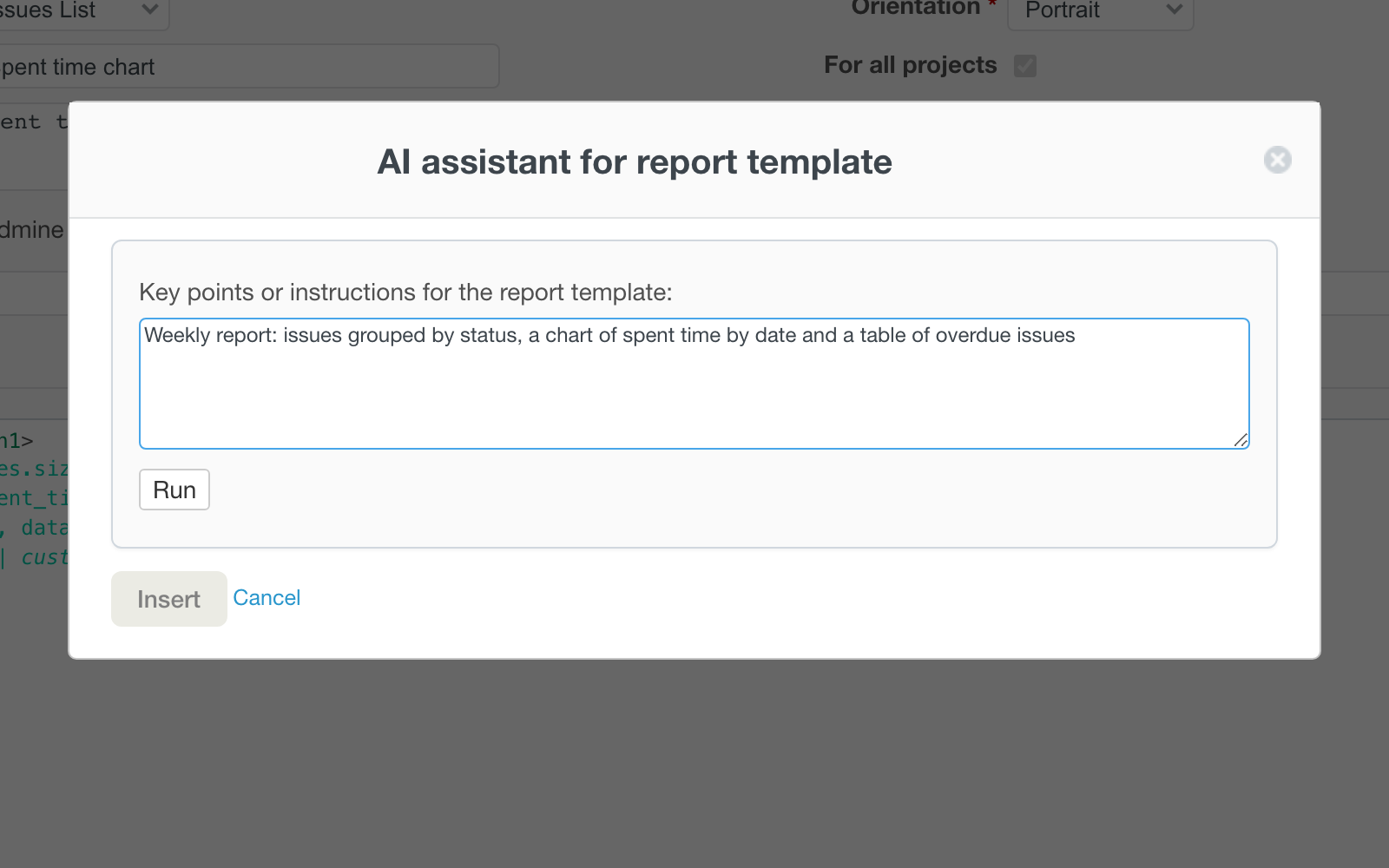
- Write the key points or instructions for the report, for example "Weekly report: issues grouped by status, a chart of spent time by date and a table of overdue issues".
- Click Run. The result appears in the window while it is written.
- Click Insert to put the draft into the editor.
- Check it on the Preview tab and click Save.
The assistant never saves the template. Until you click Save, the template stays as it was.
If the draft has a Liquid error, the run stops with a message such as "The draft has a Liquid error (line 5)". Run it again or rephrase the request.
What the assistant sees
The assistant gets the rules for report templates, the list of fields available for the type of the template (single issue, list of issues or time entries), the text that is now in the editor and your key points. It does not get your issues, time entries or users. For charts it uses the chart tag.
If you start from your own template, leave it in the editor: the assistant takes it as the starting point.
Note: An administrator can add instructions for this assistant in the Agent plugin, in the context Report template, for example the style of your reports.