
You can add notes to any contact or deal. It is possible to do it either via interface or using dropbox e-mail.
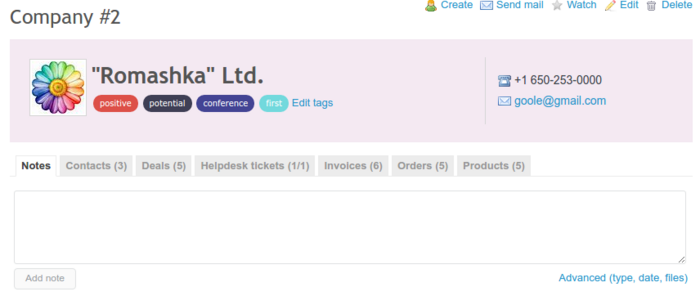
If you want to add a note via the Redmine interface, just click on a deal or contact you want to add a note to and start writing:
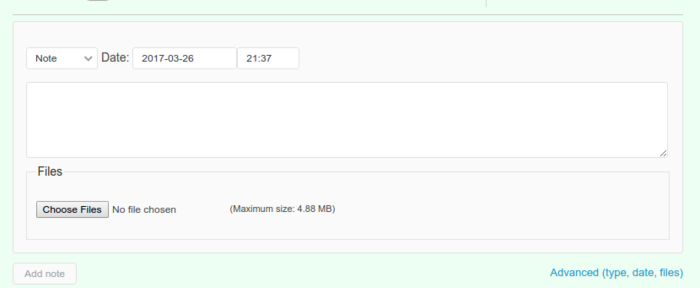
You might notice a link called Advanced - it shows additional fields for notes:
Also, you can show image thumbnails in notes - in order to enable this feature, go to Administration -> Contacts, check Show image thumbnails in notes in.