If you come across a duplicated contact you can easily merge it together. In order to do this, edit duplicated contact, click on a link Merge and then choose the other contact you would like it to merge with. Please note this is a PRO feature.

After merging, the duplicated contact will be removed and all its data will be copied to the other contact.

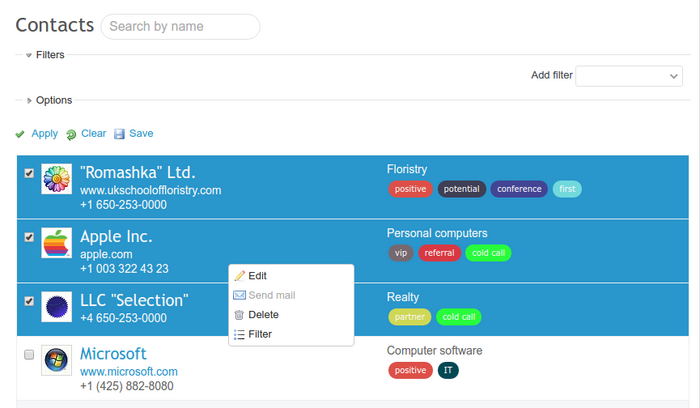
You can also operate on a group of contacts. Just go to Contacts, choose as many as you need to, and then right-click on them. You will see a few options: