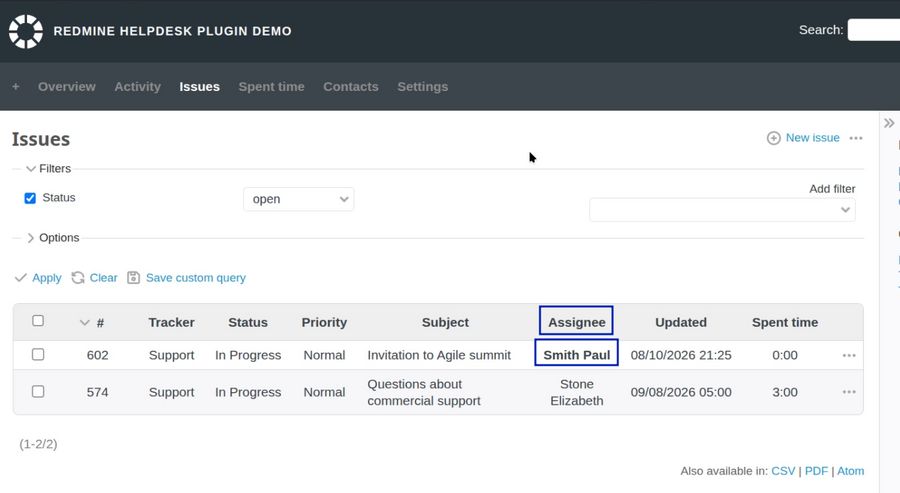
This guide will show you how to make a group of Redmine users to be automatically assigned on a Helpdesk ticket when it is received.
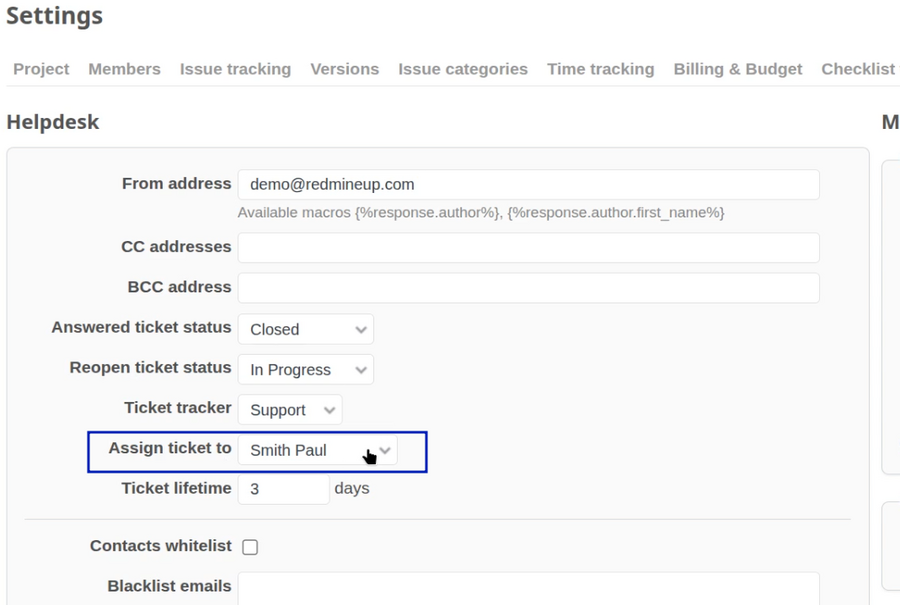
By default, only one user could be set.
It could be also checked in project settings - helpdesb tab - assign ticket to option.
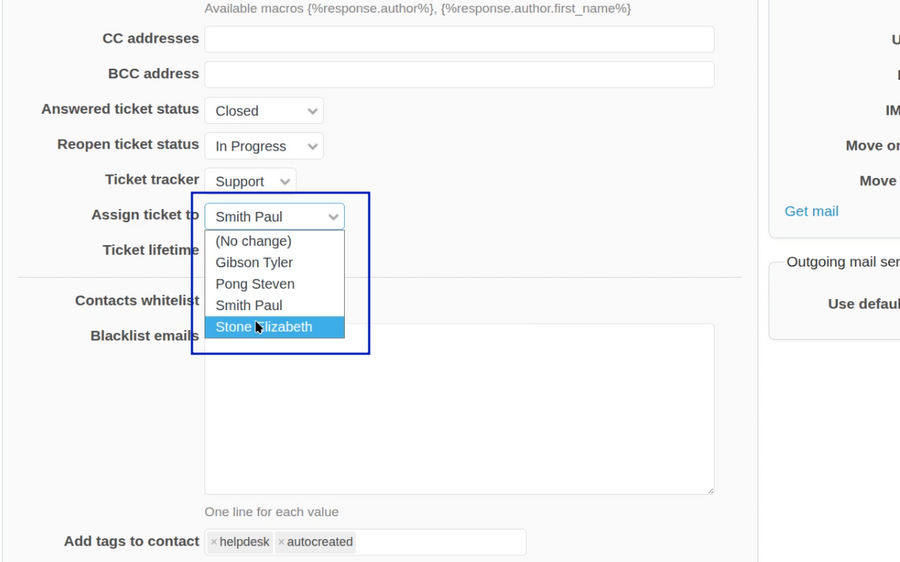
But what if you decide to set a group of users as an assignee for the automatic selection? If you try to expand the option you will see only single users and not groups.
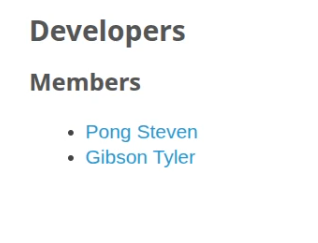
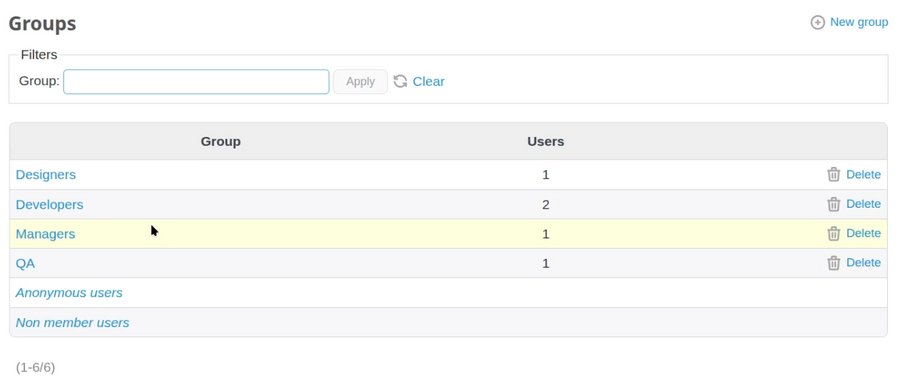
The available groups (as well as creation of new ones if you wish) could be checked in administration - groups.
On the left you can see the names of the groups and on the right the available users inside a group.
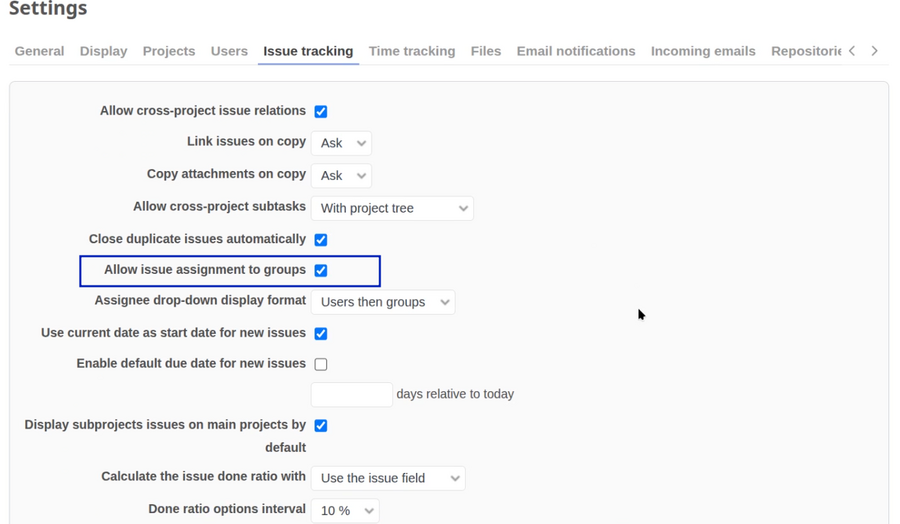
So, to make the things possible, please go to administration - settings - issue tracking. Here make sure to enable the option "Allow issue assignment to groups". Don't forget to save the changes at the bottom.
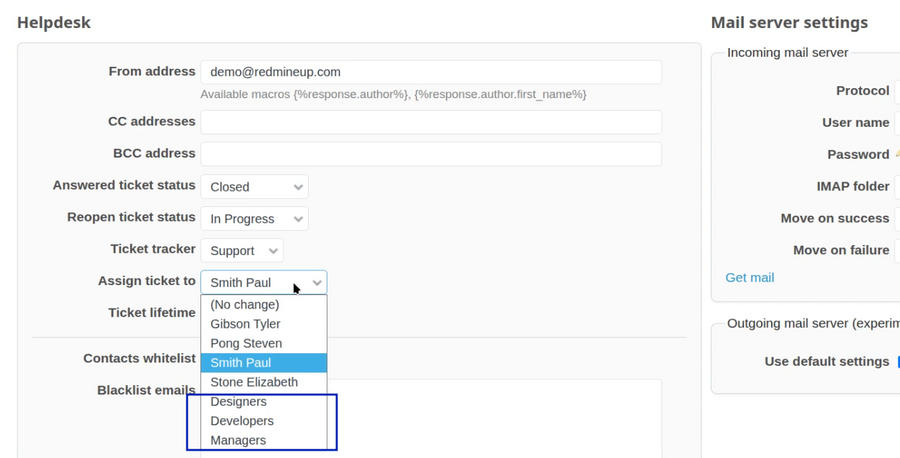
Afterward, you will have the groups available in the drop-down menu for the auto-assignee.
We choose the group that we like and save the changes.
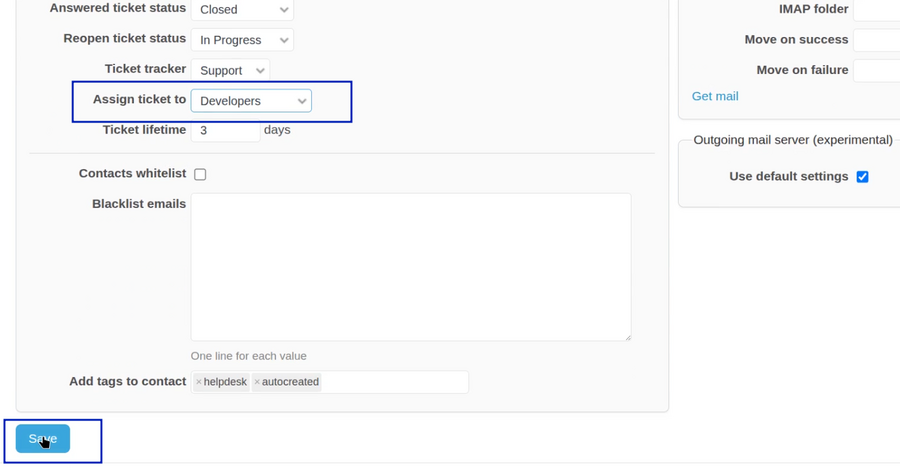
As a result, when a new ticket is received on Helpdesk, the group will automatically be added as assignee to it.
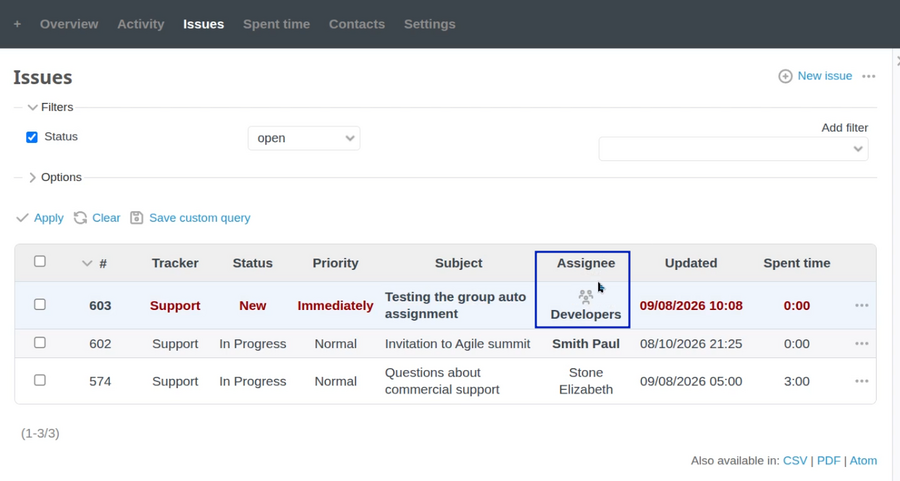
When you open the ticket, the group is clickable.
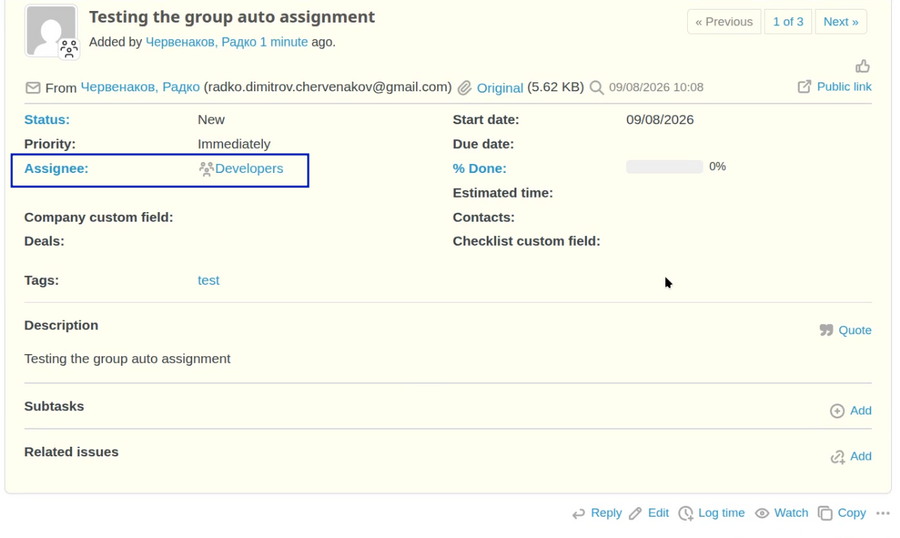
So, you can open it and check the available users in it. All of them will receive notification that they are assigned to the new ticket. So one of them have to pick and solve (answer) the ticket.